

The clip I’m most proud of from 2024 almost didn’t exist. It was a 1v3 clutch in ranked Apex Legends, last squad alive, armor swap mid-fight, Kraber headshot on the final knock. The kind of play you talk about for a week. The kind of play that, if it happened on stream, would have been worth a hundred new followers.
It happened in the middle of a four-hour session. I didn’t clip it in real time because I was still in the match. By the time I went back to the VOD the next day, I couldn’t find it. I scrubbed for forty minutes before giving up. Four hours of footage, no timestamps, and a memory that told me it was “somewhere around the two-hour mark” but wasn’t.
That was the clip that made me rethink how I handle gaming clips, because I realized the problem wasn’t laziness. It was that manual clipping at scale is a system designed to lose things.
The Math That Breaks Manual Clipping
Here’s what a typical week looked like before I changed anything.
I stream Apex three or four nights a week. Each session runs two to four hours. That’s roughly twelve hours of raw footage per week, and maybe fifteen to twenty moments worth clipping across all of those sessions.
To find those moments by hand, I need to watch the VOD at roughly 2x speed, pausing when I recognize a fight sequence, then trimming the clip, cropping to 9:16 for TikTok, adding captions, and exporting. Each clip takes about twenty minutes of work once you include the scrubbing time to find it.
Twenty minutes times fifteen clips equals five hours of editing. Per week. For someone who is also streaming, working a day job, and trying to maintain a social media presence that doesn’t feel abandoned.
Something had to give, and for most of 2024, what gave was the clips. I would edit four or five, skip the rest, and tell myself the ones I skipped weren’t that good anyway. That was almost certainly not true.
What I Tried Before Finding Something That Worked
I went through the usual sequence that I think most small Apex streamers go through.
First, Twitch’s built-in clips. Fine for one-offs, but they’re limited to 60 seconds, the quality drops, and they don’t produce vertical format. For TikTok and Shorts, I still needed to open an editor.
Second, a general-purpose AI clip tool. I won’t name it because it’s not the tool’s fault that it wasn’t built for FPS games. It would flag moments with high audio peaks or lots of visual motion. In Apex, that means it clipped every single hot drop and missed the quiet 1v1 duels that actually matter. The hit rate was maybe 30 percent usable.
Third, I tried paying an editor. $40 per clip, three clips per week, $120 per week, roughly $500 per month. My Twitch revenue at the time was around $300. That experiment lasted exactly three weeks.
The pattern with all of these was the same: I was still the bottleneck. Either I was doing the work, or I was paying someone else to do it worse, or the AI was doing it but producing output I couldn’t use.
The Tool That Actually Matched Apex Gameplay
What changed was finding this Apex Legends clip tool in early 2026. The thing that caught my attention was the claim that the AI was trained specifically on FPS gameplay, not on “video content” in general.
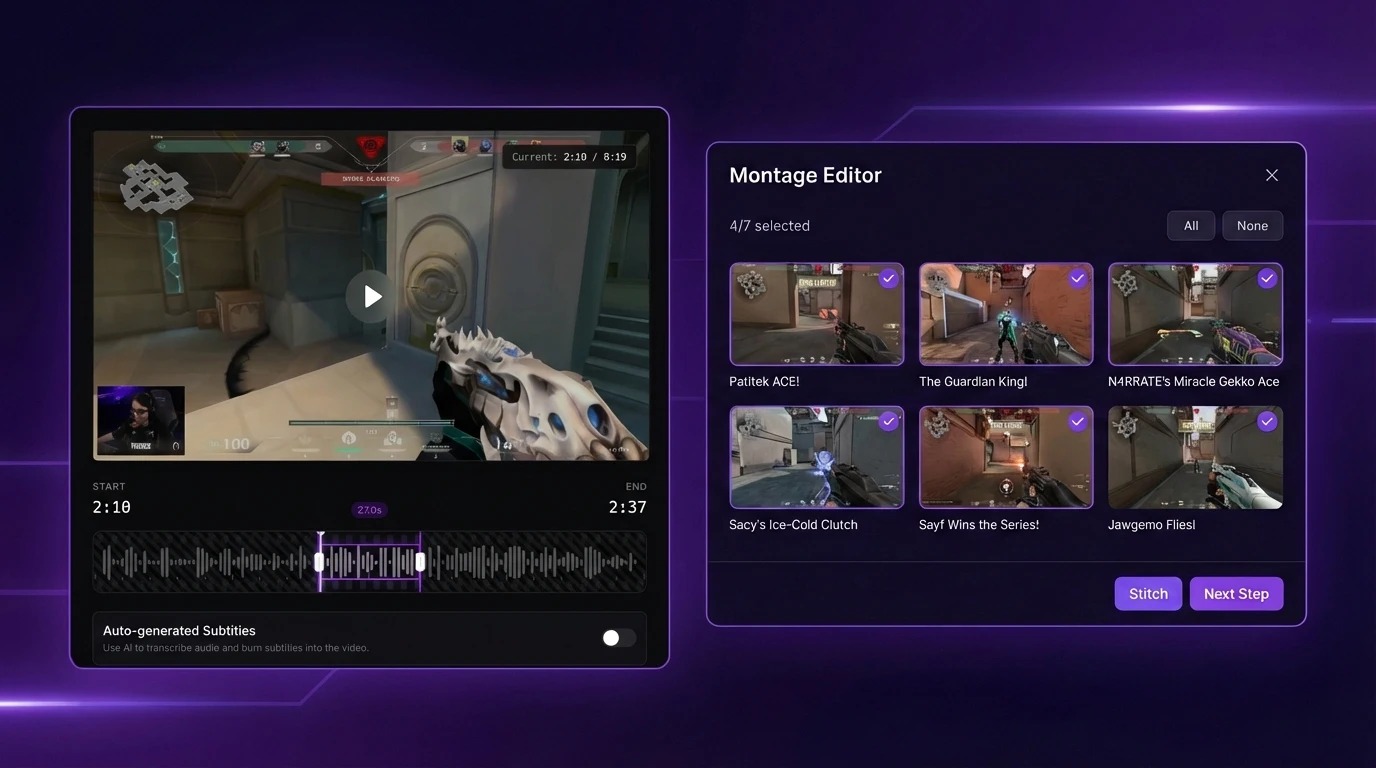
I uploaded a three-hour ranked session as a test. Got seven clips back in about twenty minutes. Five of them were plays I remembered. One was an armor swap into a Peacekeeper two-tap that I had completely forgotten about. One was a mediocre 2v3 that the AI probably flagged because of the audio spike from my teammate yelling.
Five out of seven is not perfect, but it’s better than the 30 percent hit rate I was getting from the general-purpose tools, and it took twenty minutes of processing versus three hours of manual scrubbing. The trade-off was obvious.
The detection logic felt different from the general tools I’d tried. When I knocked two people with a Wingman in a tight building fight, the general tool had flagged it as “high action” but started the clip three seconds too late, missing the door kick that set up the whole sequence. The FPS-trained tool started the clip from the door kick. That kind of timing awareness is what separates usable clips from ones you have to re-trim by hand.
The subtitles were a small thing that saved real time. My comms with my duo are half the entertainment value of my clips, and getting 95-percent-accurate captions burned into the video without opening CapCut was worth the subscription on its own. I used to spend ten minutes per clip just on subtitles.
After a month of using it, my clip output went from four or five per week to eight or ten. Not because I was working harder but because the tool was catching plays I would have scrolled past. The 9:16 vertical crop tracked my character properly, the subtitles were accurate enough to post without editing, and the clips came out looking like something I would have produced manually.
What Still Doesn’t Work
The tool misses quieter moments. A perfectly timed Bangalore smoke that wins the rotation doesn’t register because there’s no kill attached. A Lifeline revive under fire that saves the round gets skipped because the “highlight” is defined around damage output, not strategic plays.
For Apex specifically, the AI is strongest on firefight sequences: squad wipes, multi-knock rounds, Kraber picks, and clutch finishes. It’s weakest on positioning plays and utility usage. If your content style leans toward “smart plays” over “raw aim,” you’ll still need to manually pull some of those.
The other limitation is that it doesn’t learn your preferences over time. Every upload gets the same detection pass. After three months, I’ve developed a mental shortlist of “the AI will catch this type of play but not that type,” and I do a quick manual scan for the moments I know it’ll miss. That adds maybe ten minutes to my weekly workflow, which is nothing compared to the five hours I was spending before.
The Numbers After Three Months
Old workflow: 5 hours of editing for 4-5 clips per week
New workflow: 30 minutes of review for 8-10 clips per week
My TikTok posting frequency went from three times per week to daily. Follower growth didn’t explode overnight, but the consistency mattered. The algorithm rewards regular posting, and I went from being someone who posted when I got around to it to someone who posts every day.
The tool costs $19.99 per month on the Creator plan, which gives me 30 clips. I use about 24 of those. If I ever need more, the Pro plan at $49.99 removes the cap. Either way, the cost is a fraction of what the freelance editor was charging for fewer clips.
One thing I didn’t expect: having more clips made me a better streamer. Not because the clips themselves did anything, but because I started paying attention to which clips performed well, which helped me understand what my audience actually wanted to see. That feedback loop didn’t exist when I was posting four clips a week and calling it done.
What I’d Recommend to Other Apex Streamers
If you’re hand-clipping your VODs, stop. Not because you’re doing it wrong, but because you’re spending time on the least creative part of the content pipeline. The five hours I was spending on scrubbing and trimming are now thirty minutes of reviewing what the AI found, and the remaining four and a half hours go back to actually streaming.
If you’ve tried a general-purpose clip tool and been disappointed, the issue might not be AI clipping in general. It might be that the tool wasn’t trained on FPS footage. The difference between a model that knows what a squad wipe looks like and one that just detects “exciting moments” is the difference between usable output and noise.
And if you play more than just Apex, check FragCut’s supported games list before signing up. It covers seventeen titles including Valorant, CS2, Overwatch 2, Fortnite, and a few newer ones like Deadlock and Marvel Rivals. The detection quality varies by game, but for the FPS and battle royale titles I’ve tested, it’s consistently better than the general-purpose alternatives.
The Kraber clip from 2024 that I lost? I’ll never get it back. But the three-month experiment convinced me that losing clips to bad timing is a solved problem now. The tools exist. You just have to actually use them.