

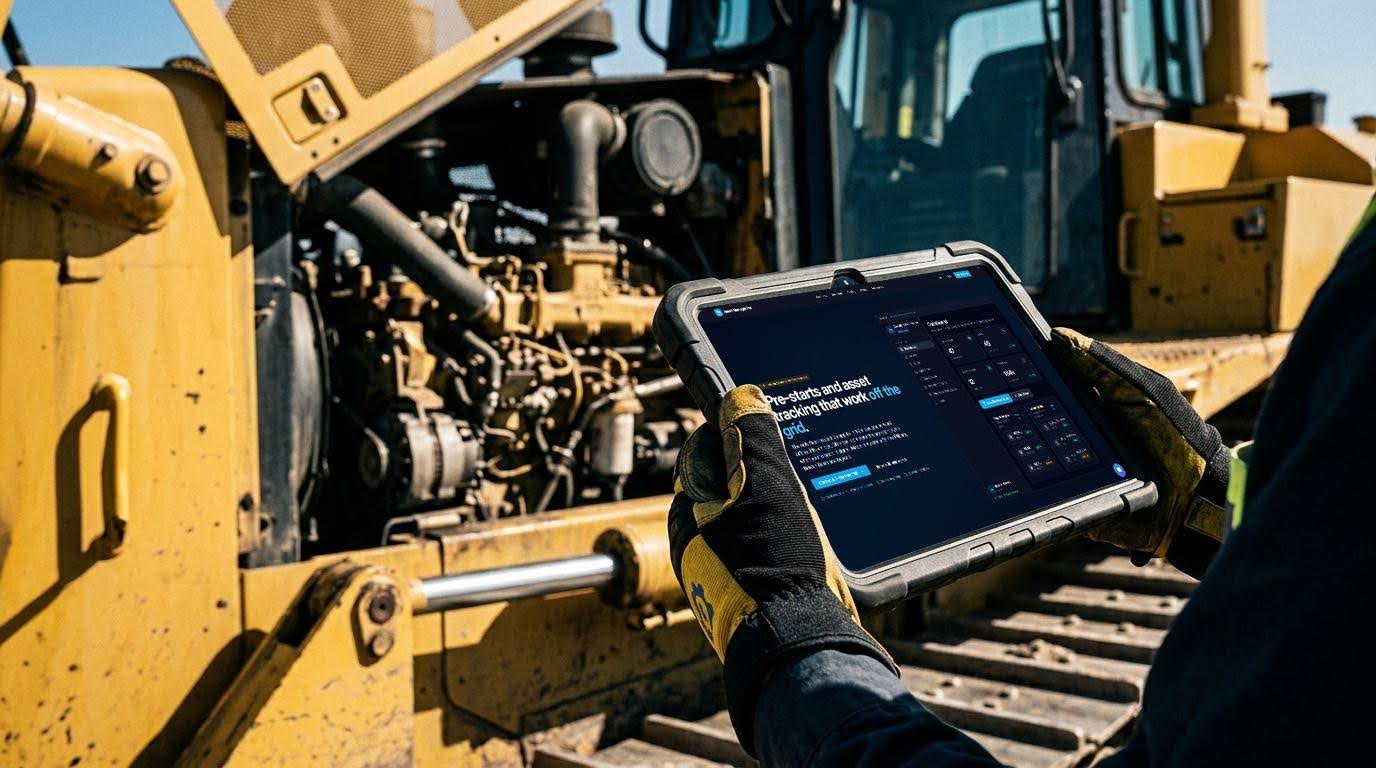
Plant inspection software can improve how records are captured, reviewed, and reported, but it should not be mistaken for a replacement for trained people or working safety procedures. For businesses managing vehicles, plant, trailers, attachments, and equipment, the stronger question is where software can reduce admin friction and where responsibility still sits with operators, supervisors, and maintenance teams.
Asset Manager Pro is an asset tracking and pre-start inspection platform for businesses running physical assets. It can move parts of the inspection workflow off paper, but the judgement behind each check and the response to each fault still belong to the business.
Where Asset Manager Pro Reduces Manual Admin
Paper pre-start forms can be slow to collect, easy to misplace, and difficult to review across multiple assets or sites. Spreadsheets and separate photo folders can create the same problem in a different format, especially when managers need to know which asset was checked, who checked it, and what was found.
Asset Manager Pro gives operators a phone-based way to complete pre-starts and attach records directly to the relevant asset. That can reduce manual record chasing and make inspection history easier for managers to review after scans are submitted and synced.
Linking the Check to the Correct Asset
One common weakness in manual inspection systems is asset misidentification. If an operator types the wrong registration number or chooses the wrong item from a list, the resulting record becomes harder to trust.
Asset Manager Pro uses unique QR codes that can be printed and placed on physical assets. Operators scan the QR code with their phone camera in the app, opening the correct asset and starting the pre-start without relying on manual registration-number entry.
What Operators Can Record During a Pre-Start
A pre-start in Asset Manager Pro is a short checklist completed before an asset is used. The checklist can cover practical items such as fluid levels, tyres, lights, brakes, safety gear, hours, and kilometres.
Operators can also capture photos during inspections. Those photos can give managers visual context when an issue is flagged, but they do not prove cause, confirm safe condition, or replace a qualified maintenance assessment.
How Managers Review Inspection Activity
After inspections are submitted and synced, Asset Manager Pro can surface failed pre-starts, overdue scans, upcoming registration expiry, service milestones, and unusually high usage through the dashboard and Alerts page. This gives managers a more direct way to review exceptions instead of searching through every completed check.
The platform also supports multiple sites, assigned assets, restricted operator views, and parent-child asset relationships. A trailer can be linked to a prime mover, or an attachment can be linked to an excavator, while child assets can still carry their own checklist and service schedule.
Turning Records Into Reports
Inspection data has limited value if managers cannot pull it into a usable format. Asset Manager Pro can generate PDF reports covering asset inventory, compliance status, scan history, hours and kilometres usage, and AI-enhanced insights.
Reports can be filtered by date range, asset type, site, and status, and they can include the organisation’s logo. Admins can also export asset, scan, and operator data as CSV or PDF for internal review, maintenance planning, or audit preparation.
What the Software Does Not Do
Asset Manager Pro does not perform the inspection for the operator. It records the inspection workflow, connects the result to an asset, and makes the submitted information easier to review.
It also does not replace operator training, competent inspection, maintenance response, manufacturer guidance, supervisor judgement, risk controls, or internal safety procedures. A completed digital checklist is still a record of what was submitted, not an automatic confirmation that plant is safe to use.
Why Follow-Up Still Decides the Outcome
A failed pre-start is only useful if the business has a clear process for what happens next. A digital record can show that an issue was reported, but it cannot isolate the equipment, schedule the repair, notify the right person, or decide whether the asset should return to service.
That is where internal procedures remain essential. Asset Manager Pro can surface the information more quickly, but managers and maintenance teams still need to act on it through the business’s own safety and asset-management process.
Where AI Fits Without Taking Over
Asset Manager Pro includes AI features on Professional and Enterprise plans. These can include image-based damage detection, predictive maintenance suggestions, scan pattern analysis, voice-to-text for scan notes, and an in-app AI assistant.
Those features should be treated as review support rather than inspection authority. AI can describe visible damage or surface patterns, but it does not diagnose faults with certainty, approve plant for use, or replace human judgement.
Test the Boundaries Before Rollout
The interactive demo gives managers a way to explore Asset Manager Pro with sample data before adding real assets, operators, and sites. That first look can show how pre-starts, QR scanning, alerts, and reports connect inside the platform.
During the 7-day trial, test the system against real plant procedures rather than only checking the dashboard. Use representative assets, QR labels, operators, offline conditions, photos, failed-check scenarios, reports, and follow-up steps so the business can see exactly what Asset Manager Pro can support and what still needs to be handled by its people.