

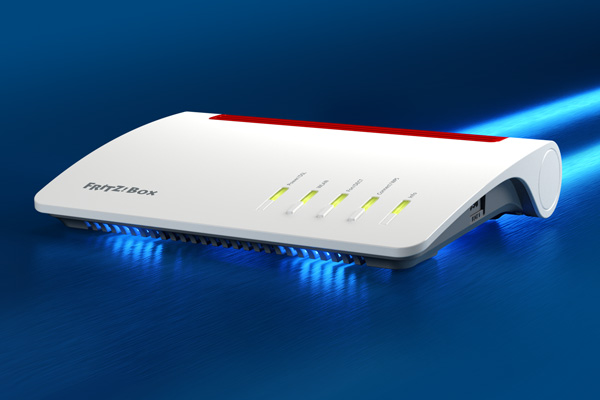
The FritzBox router is widely used in German households for its reliability, security, and advanced features. Whether you’re a beginner or tech-savvy user, knowing how to manage your FritzBox account effectively can help you get the most out of your internet connection.
To get started, access your router interface through this guide:
👉 FritzBox Login: So kannst du Fritz.box schnell aufrufen
1. How to Access Your FritzBox
Method 1: Via Web Browser
- Open your browser and type: http://fritz.box or the IP address 192.168.178.1.
- Log in with your FritzBox password (found on the sticker on your device unless you’ve changed it).
- If you’re having trouble logging in, use the anchor guide above.
Method 2: With the MyFRITZ! App
- Download and install the MyFRITZ! App on your mobile device.
- It allows remote access and basic management.
2. Managing FritzBox Settings Effectively
A. Change Your Wi-Fi Name and Password
- Go to “WLAN” → “Funknetz”.
- Rename your network (SSID) and choose a secure WPA2 password.
B. Set Up Guest Network
- Useful for visitors: WLAN → Gastzugang.
- Activate and set a password that differs from your main Wi-Fi.
C. Parental Controls
- Internet → Filter lets you manage when and how long devices can access the internet.
D. Firmware Updates
- Always check System → Update.
- Keeping your firmware updated ensures security and new features.
3. Common Problems and How to Fix Them
Problem 1: Can’t Access fritz.box
- Try using the IP address: http://192.168.178.1.
- Clear your browser cache or try incognito mode.
- Restart your router and reconnect your device.
Problem 2: Internet Connection Drops Frequently
- Check if DSL or cable connection is loose.
- Try a reboot via System → Backup → Restart.
- Check for interference from other wireless devices.
Problem 3: Slow Wi-Fi Speeds
- Move the FritzBox to a central location.
- Use the WLAN channel optimization tool in the router settings.
- Consider adding Mesh repeaters if you have dead zones.
Problem 4: Forgot Login Password
- Press and hold the Reset button (if available) or:
- Use a recovery email if MyFRITZ! account is set up.
Pro Tips
- Backup your configuration: System → Backup.
- Use IPv6 support if your ISP offers it for faster DNS resolution.
- Enable Push Service under System → Push Service to receive email alerts about errors or updates.
🔗 Related Resource
To get quick access and step-by-step help for logging into your FritzBox router, visit:
👉 FritzBox Login: So kannst du Fritz.box schnell aufrufen
By following this guide, you’ll be able to manage your FritzBox with ease and solve issues quickly—ensuring a reliable internet connection for work, play, and everything in between.