

The latest wave of AI video tools is less about one-off clips and more about helping creators shape repeatable video ideas for social media, entertainment, education, and brand storytelling.
Short-form video has changed what audiences expect from digital content. A brand post, a music teaser, a gaming update, a product reveal, or a creator announcement now has to communicate quickly and look polished enough to stop a scroll. That pressure has made video a daily requirement, not a special project saved for large campaigns.
The problem is that many teams do not have daily video resources. A creator may have the idea but not the time to shoot. A small business may have product photos but no production crew. A media team may need several versions of the same concept for different channels. This is where AI video is starting to feel more practical.
With Seedance 2.5, the conversation is moving toward a more useful question: how can AI video help people turn existing ideas, references, and story notes into visual drafts that are easier to test, revise, and publish?
Why Social Video Needs Faster Drafting
Social video rarely begins as a perfect script. It often starts as a rough idea: show the product in motion, turn a still image into a launch teaser, make a quick explainer, visualize a character, or test a scene before recording the final version.
Traditional production can still produce the best finished work, but it can be slow for early testing. A team may spend days preparing a concept only to realize the pacing does not work. A creator may record several takes before finding the right hook. A marketer may need three different visual directions before choosing one.
AI video does not remove that creative judgment. It gives creators a faster middle step between idea and production. Instead of waiting until everything is filmed, teams can test movement, mood, framing, and timing earlier.
From Static Assets to Moving Concepts
Many creators already have useful material before they make a video. They may have product images, brand colors, a reference clip, a music track, a storyboard, or a short written brief. The challenge is connecting those materials into a moving concept.
This is why reference-based workflows matter. A product image can help preserve identity. A mood board can guide visual style. A short video reference can suggest camera movement. Audio can help shape pacing. Text can explain the scene and give the model a role.
For social video, this matters because consistency is often more important than spectacle. A clip that looks impressive but changes the product, character, or setting halfway through may not be useful. A simpler draft that keeps the idea clear can be more valuable.
Creator Content Is Becoming More Planned
The creator economy often looks spontaneous from the outside, but good creator content is usually planned. A strong short video needs a hook, a visual rhythm, a point of view, and a finish that makes the audience understand why the clip exists.
AI video can support that process when it is used for drafts rather than shortcuts. A creator can test a scene before committing to a shoot. A podcaster can visualize a teaser for an episode. A game commentator can draft a cinematic intro. A music creator can explore a visual mood before building a full video.
The useful part is not that every draft becomes final content. The useful part is that creators can see ideas earlier. Bad ideas fail faster. Good ideas become easier to explain to collaborators, editors, or clients.
Where Brands Can Use AI Video Carefully
For brands, AI video works best when it supports a clear content need. A fashion label might test a campaign mood. A restaurant could create a short seasonal teaser. A software company might draft a product walkthrough. An ecommerce store could explore a landing page video before commissioning a polished version.
The strongest use cases are practical and specific. A team should know what the clip needs to do before generating it. Is it meant to introduce a product? Explain a feature? Create atmosphere? Support a social ad? Show a process? Each goal needs a different prompt and a different standard for review.
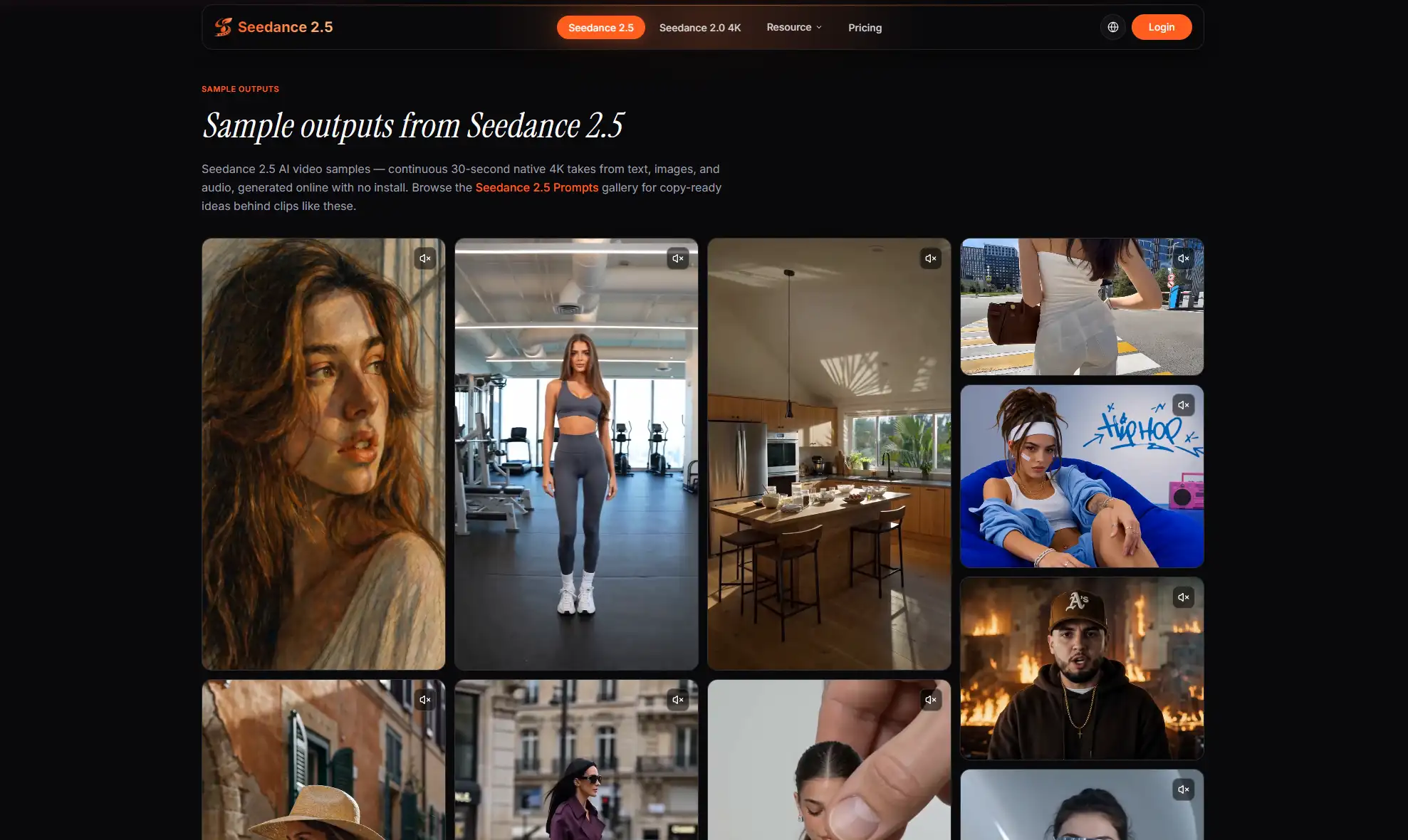
A platform such as Seedance 2.5 AI Video Generator makes the most sense when creators bring enough direction into the workflow. The prompt should not carry the entire job. References, scene notes, timing, and review criteria all help make the output more useful.
Digital Storytelling Needs Continuity
Storytelling is where AI video faces one of its biggest tests. A single beautiful image is easy to admire, but video has to hold attention over time. The subject needs to remain recognizable. The motion needs to support the story. The scene needs to feel like it belongs to the same idea from the opening frame to the end.
This is especially important for entertainment and creator-led content. A fan project, a music teaser, a fictional character clip, or a short visual poem depends on mood and continuity. If those pieces drift, the audience notices.
That is why creators should judge AI video tools through real scenarios. A good test might include a character scene, a product teaser, a location-based clip, a music-backed intro, and a short explainer. Each test reveals a different part of the workflow.
What Creators Should Check Before Publishing
Fast generation is helpful, but it should not replace review. Before publishing an AI-generated clip, creators should check whether the subject stays consistent, whether the motion supports the message, and whether the result fits the platform where it will appear.
A social clip also needs to be readable without too much explanation. The first seconds should make the idea clear. The scene should not be crowded with distracting details. If audio is part of the draft, the rhythm should match the movement rather than feel added afterward.
For teams, the review process should be simple. Keep the brief, references, prompt, and output notes together. That record makes it easier to recreate a useful result or understand why two versions look different.
Final Thoughts
AI video is no longer only a novelty for experimental clips. It is becoming part of how creators and teams test ideas before committing to more expensive production. Seedance 2.5 fits that shift because it encourages a more directed workflow: describe the idea, bring references, review the result, and refine what matters.
For social video, creator content, and digital storytelling, that can be a meaningful change. The goal is not to replace every camera, editor, or artist. The goal is to give creative people a faster way to see whether an idea has movement, rhythm, and visual potential before they take it further.