

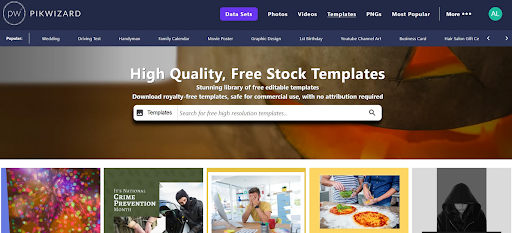
Making social media graphics from scratch every day is exhausting. Even if you love designing, there are only so many hours in a day. That’s why free templates are a lifesaver. A good template can save you a ton of time and still make your posts look professional.
But here’s the catch: not all templates work for every platform. Instagram, Facebook, and LinkedIn all have their own quirks. I’ve learned a few things over the years that make picking the right one way easier.
Instagram: Square and Vertical Templates
Instagram is all about visuals, and it’s picky about shapes. Your feed is square (1:1) and Stories/Reels are vertical (9:16).
- Square templates are perfect for feed posts. Quick, easy, consistent.
- Vertical templates are ideal for Stories or Reels — they fill the screen and grab attention.
Pro tip: look for templates that let you swap images, change colors, and tweak text quickly. I usually grab free ones from Pikwizard — lots of flexibility without that “stocky” feel.
Facebook: Clear and Flexible Templates
Facebook is a bit more forgiving, but clarity is king.
- Leave room for text; don’t cram it all over the image.
- Bold fonts usually work better since people scroll fast.
- Simple layouts are better than flashy, busy ones.
If you’re making cover images or event posts, horizontal Facebook templates (16:9) usually look best.
LinkedIn: Professional and Polished Templates
LinkedIn is its own beast. It’s professional, so your graphics need to match.
- Clean, subtle layouts work best.
- Stick to your brand colors and fonts.
- Avoid overly playful elements — people respond better to clarity and credibility.
Templates that let you quickly make post graphics, banners, or infographics can save hours while keeping your content looking sharp.
Quick Tips for Using Templates
- Tweak Colors and Fonts – Even small adjustments help your content feel unique.
- Resize for Different Platforms – What works on Instagram may need tweaking for LinkedIn.
- Add Your Logo or Brand Elements – Makes your posts instantly recognizable.
- Keep Things Consistent – Similar styles and layouts across posts help your brand feel cohesive.
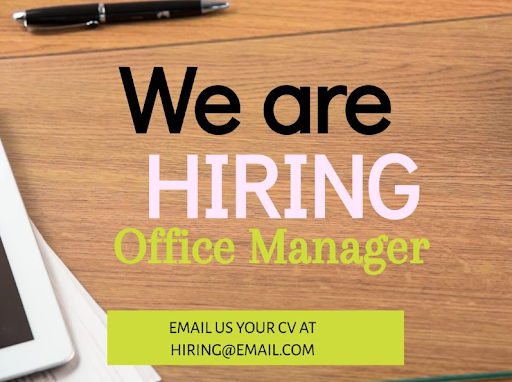
Honestly, spending a few minutes customizing a free template from Pikwizard can make it look totally original.
Templates aren’t cheating — they’re a shortcut. The best free ones let you save time, stay on brand, and still make professional-looking posts across Instagram, Facebook, and LinkedIn. Pick the right style, tweak it a bit, and your content will actually feel like yours.