

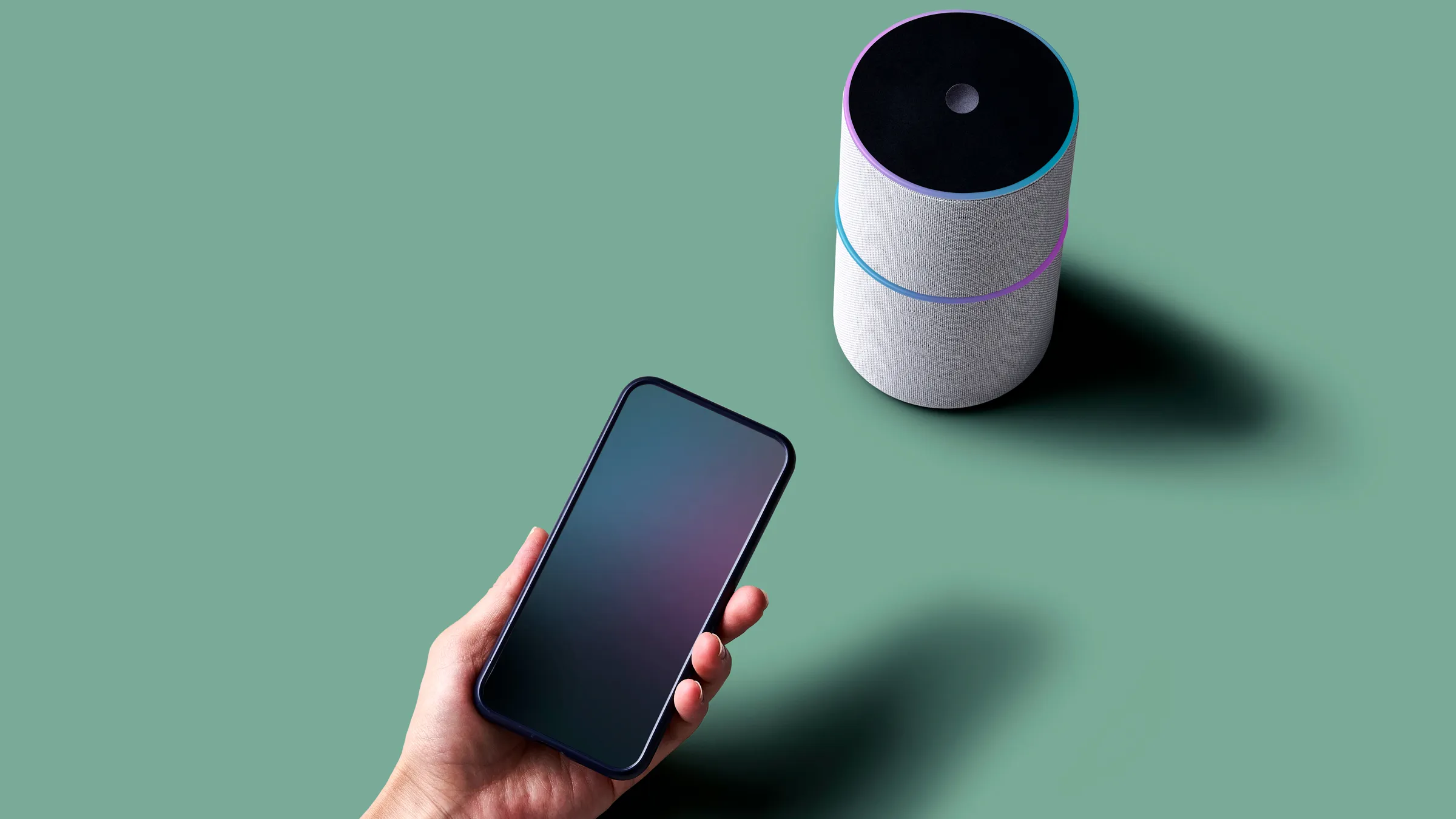
Smart home technology is transforming the way we live, and Tuya Smart WiFi devices are at the heart of this revolution. Whether you’re a tech enthusiast or just looking to make life a little easier, Tuya’s ecosystem offers a simple, affordable, and powerful way to automate your home. In this ultimate guide, you’ll discover what makes Tuya unique, the types of devices available, how to set them up, and tips for getting the most from your smart home.
What is Tuya?
Tuya is a global Internet of Things (IoT) platform that powers smart devices for hundreds of brands worldwide. Unlike traditional manufacturers, Tuya doesn’t sell products directly to consumers. Instead, it provides the technology and cloud services that make devices “smart.” This means that if you see “Powered by Tuya” or “Works with Tuya” on a smart bulb, plug, or camera, you can control it through the Tuya Smart or Smart Life app, no matter the brand.
This approach has made Tuya one of the most widely adopted platforms for smart home devices, especially for those looking for affordable and versatile solutions.
How Do Tuya Smart WiFi Devices Work?
Tuya-enabled devices connect to your home’s WiFi network. You control them using the Tuya Smart or Smart Life app on your smartphone or tablet. The app acts as a central hub, letting you add new devices, group them by room, set up automations, monitor status, and receive alerts. You can also integrate Tuya devices with popular voice assistants like Amazon Alexa and Google Assistant for hands-free control.
While WiFi is the most common protocol, Tuya also supports Zigbee, Bluetooth, and other wireless standards through compatible hubs or gateways. This means you can mix and match devices to suit your needs, all within the same ecosystem.
Types of Tuya Smart WiFi Devices
The Tuya ecosystem covers almost every smart home category imaginable. Here are some of the most popular types:
Smart Lighting:
Tuya powers smart bulbs, LED strips, downlights, and switches. These devices often support features like dimming, color changing, scheduling, and remote control. You can set the mood for any occasion with just a tap on your phone.
Smart Plugs and Outlets:
These let you control traditional appliances remotely, monitor energy usage, and set schedules. For example, you can turn off your iron or coffee maker from anywhere, giving you peace of mind.
Climate Control Devices:
Tuya-enabled thermostats, air conditioners, heaters, and humidifiers allow you to manage your home’s temperature and air quality intelligently. You can create routines to save energy or ensure comfort when you arrive home.
Security Devices:
From cameras and motion sensors to smart locks and alarm systems, Tuya offers a range of security solutions. You can monitor your home in real-time, receive instant alerts, and even automate responses to certain events, such as turning on lights when motion is detected.
Smart Appliances:
Tuya is found in everything from robotic vacuums and washing machines to kitchen gadgets. These devices can be controlled and monitored remotely, making household chores more convenient.
Entertainment Devices:
Smart speakers, TVs, and audio systems powered by Tuya can be integrated into your routines, such as starting your favorite playlist when you wake up.
Health and Fitness Devices:
Smart scales, wearables, and health monitors are also part of the Tuya family, helping you track your well-being with ease.
Key Features and Benefits
Unified App Control:
One of Tuya’s biggest strengths is the ability to control all compatible devices from a single app. This eliminates the need to juggle multiple apps for different brands.
Automation and Scenes:
You can create powerful automations and scenes. For example, a “Good Night” scene could turn off all lights, lock the doors, and lower the thermostat with a single tap or voice command.
Voice Assistant Integration:
Tuya devices work seamlessly with Amazon Alexa, Google Assistant, and often IFTTT. This means you can control your home with simple voice commands or set up custom triggers.
Remote Access:
With Tuya, you can monitor and control your home from anywhere in the world. Forgot to turn off the lights before leaving? No problem—just use the app.
Energy Efficiency:
Many Tuya devices offer energy monitoring and scheduling features, helping you reduce electricity usage and save on bills.
Security and Privacy:
Tuya uses industry-standard encryption and security protocols to protect your data. However, as with any smart device, it’s important to review app permissions and privacy settings.
How to Set Up Tuya Smart WiFi Devices
Setting up a Tuya device is straightforward. Here’s a step-by-step guide:
- Download the Tuya Smart or Smart Life app from the App Store or Google Play.
- Create an account and log in.
- Plug in your device and make sure it’s in pairing mode (usually indicated by a blinking light).
- Add the device in the app and connect it to your 2.4 GHz WiFi network (most Tuya devices do not support 5 GHz).
- Name the device and assign it to a room for easy organization.
- Customize settings, schedules, and automations as desired.
If you have multiple devices, use the app’s room and group features to keep everything organized.
Popular Use Cases and Scenarios
Tuya’s automation capabilities allow you to create routines that make daily life easier and more efficient. Here are some examples:
- Time-Based Automations: Set your porch light to turn on at sunset and off at sunrise.
- Sensor-Based Automations: Have your hallway lights turn on automatically when motion is detected at night.
- Location-Based Automations: Automatically turn off all devices when you leave home, and turn them back on when you return.
- Device-to-Device Automations: If your smart lock is unlocked, have the entryway lights turn on automatically.
These automations can be as simple or as complex as you like, and they help make your home truly “smart.”
Integrating Tuya Devices with Other Platforms
Tuya’s open approach means you can often integrate its devices with other smart home platforms. Most Tuya devices work with Amazon Alexa and Google Assistant right out of the box. Some also support Samsung SmartThings, and with the growing adoption of the Matter standard, even more interoperability is on the horizon.
For advanced users, platforms like Home Assistant offer custom integrations with Tuya devices, allowing for local control and even more powerful automations.
Security and Privacy Considerations
While Tuya employs robust security protocols, it’s important to be aware of a few considerations:
- Cloud Reliance: Most Tuya devices rely on cloud services for remote control. If the cloud is unavailable, some features may be limited.
- Data Privacy: Always review what data is being shared and adjust app permissions accordingly. Some users have raised concerns about the app requesting location access.
- Local Control: Advanced users can use third-party platforms like Home Assistant for local-only control, reducing reliance on the cloud and enhancing privacy.
To stay secure, always keep your devices and apps updated, use strong passwords, and only buy from reputable brands.
Pros and Cons of Tuya Smart WiFi Devices
Advantages:
Tuya devices are affordable, widely available, and easy to set up. The unified app control and compatibility with many brands and device types make it a flexible choice for beginners and experienced users alike. Integration with major voice assistants and the ability to create powerful automations add to their appeal.
Potential Drawbacks:
Since Tuya only provides the smart modules, the quality of devices can vary by manufacturer. Most devices rely on cloud services, which can be a limitation if you want local-only control. Some users have also noted occasional connectivity or app issues and have raised privacy concerns about data sharing.
Best Practices for a Tuya Smart Home
- Choose reputable brands: Device quality varies, so check reviews and certifications before purchasing.
- Update firmware and apps regularly: This ensures you have the latest security patches and features.
- Use strong, unique passwords: Protect both your Tuya account and your home WiFi network.
- Segment your network: For added security, consider placing smart devices on a separate WiFi network.
- Review app permissions: Only grant necessary permissions to the Tuya app, and be mindful of data sharing.
Troubleshooting Common Issues
If you run into problems, here are some quick tips:
- Device won’t connect: Make sure you’re using a 2.4 GHz WiFi network and that the device is in pairing mode.
- Device goes offline: Check the power supply, WiFi signal strength, and ensure your app is up to date. Sometimes, a device reset helps.
- App requests too many permissions: Review and adjust permissions in your phone’s settings.
- Cloud outages: Some features may not work if Tuya’s servers are down. For critical devices, consider options that offer local control.
The Future of Tuya and Smart Homes
Tuya continues to expand its ecosystem and is actively supporting new standards like Matter, which promises even greater compatibility between brands and platforms. This means that in the coming years, Tuya devices will become even more flexible and powerful, making smart home technology accessible to everyone.
Conclusion
Buy Best Tuya Smart WiFi devices for Home offer a user-friendly, affordable, and highly flexible way to automate your home. With unified app control, broad device compatibility, and robust automation features, Tuya is a great choice for anyone looking to make their home smarter. Just remember to consider device quality, cloud reliance, and privacy settings to ensure a secure and satisfying experience.
Whether you’re automating your lights, securing your home, or just adding convenience to daily life, Tuya’s vast ecosystem makes smart living accessible to all. Start small, experiment with automations, and enjoy the comfort and control that Tuya Smart WiFi devices bring to your modern home.