

Most video problems arrive quietly. A marketing manager opens an old clip that would be perfect for a campaign, except it looks soft on a modern screen. A founder finds a product demo from last year, but the exported file has been compressed twice. A creator wants to reuse a good moment from a livestream, only to realize the frame falls apart after a vertical crop.
The footage is not useless. It is just stuck in the wrong quality tier for the places it now has to appear.
That is why AI video upscalers have become more practical than flashy. The best use case is not rescuing a ruined movie. It is taking everyday footage that is almost usable and making it clean enough for a landing page, a product library, a social post, or a sales deck. A good AI video upscaler earns its place by making ordinary files easier to reuse.
For teams that live inside constant content production, that small improvement matters. A clip that once sat in a folder can become a new ad variation. A customer video can be used in a case study. A low-resolution archive can be edited into a fresh story without looking like it came from another decade.
Old Footage Keeps Getting New Jobs
Video used to have a shorter shelf life. If a clip was shot for one event, one launch, or one social post, it often stayed there. The file lived in a drive until someone needed a recap or a company anniversary post.
That has changed. Every brand now needs more video than it planned for. Website headers, short-form social clips, paid ads, onboarding screens, product tutorials, investor updates, marketplace listings, and help-center pages all ask for motion. The same piece of footage may need to work in a wide desktop layout, a square feed card, and a vertical phone frame.
The problem is that old footage was rarely made for this many uses. It may have been exported at 720p. It may have gone through a messaging app. It may have been recorded on a webcam, pulled from a webinar platform, downloaded from a social network, or saved from a previous edit with the wrong settings.
On a small phone screen, those problems can hide. On a modern landing page or a 4K monitor, they become obvious. Faces look waxy. Product edges blur. Text on a device screen becomes hard to read. Fast movement leaves ugly compression blocks. The clip is still useful, but the quality distracts from the message.
What an AI Video Upscaler Actually Helps With
Upscaling is often misunderstood as a simple size change. Traditional resizing can make a video file larger, but it does not add useful detail. It stretches what is already there.
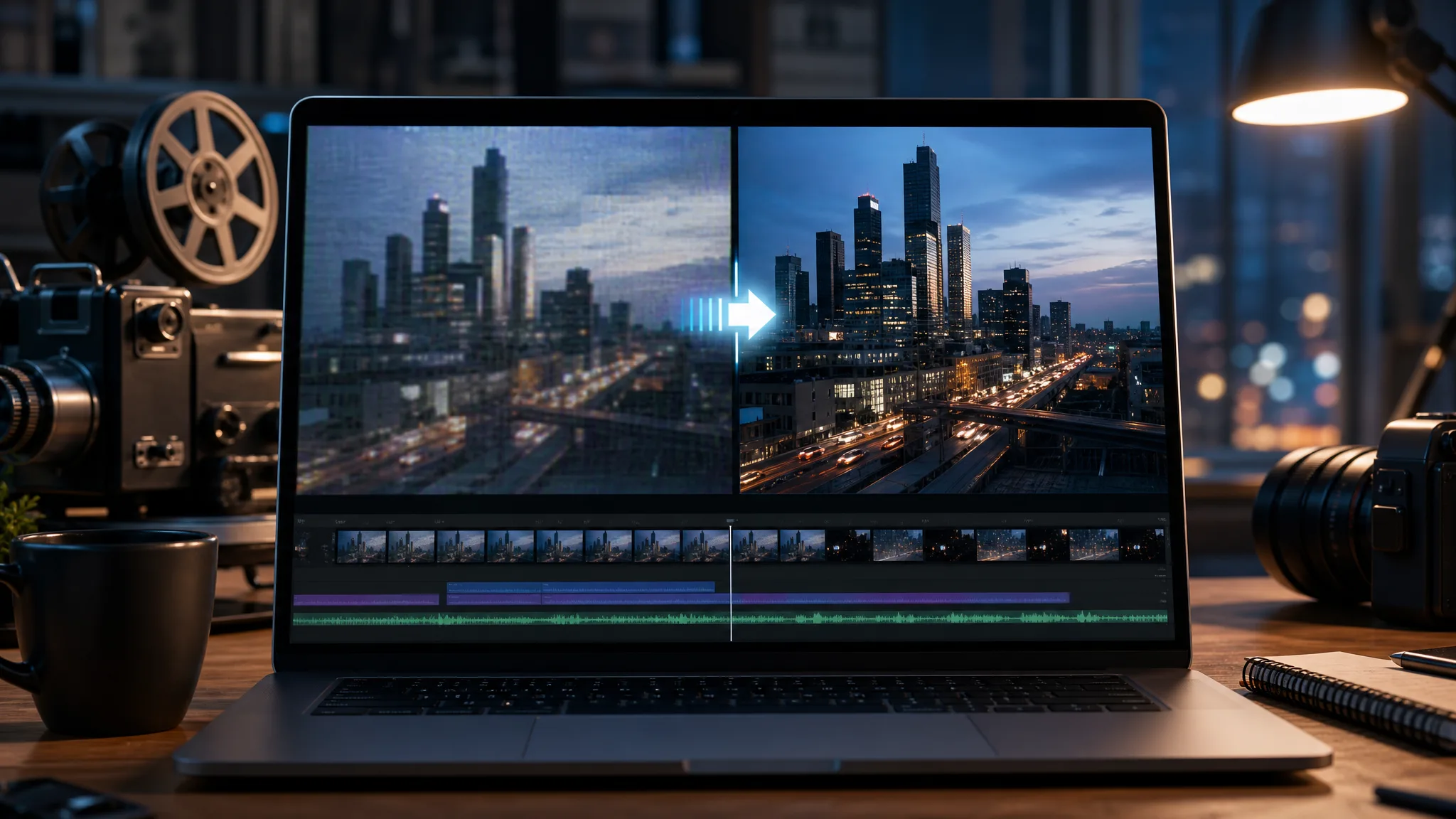
An AI video upscaler tries to do more. It analyzes the footage frame by frame and predicts cleaner detail where the original file is soft, compressed, or low resolution. The goal is not to turn bad footage into a cinema master. The goal is to make the clip hold up better in the size and format where people will actually watch it.
A practical example is this AI video upscaler. Its page describes a web-based workflow where users can upload MP4 or MOV clips and upscale video to 720p, 1080p, 2K, or 4K online, with AI sharpening detail, reducing blur, and improving low-resolution footage.
Those are modest claims, which is good. A responsible upscaler should not promise to reveal details that were never captured. It should make a clip cleaner, more watchable, and easier to reuse. That is enough for a lot of real production work.
The right mindset is quality recovery, not magic. If the source has decent lighting, clear subjects, and only mild compression, the result can be useful. If the source is tiny, dark, heavily cropped, and full of motion blur, the tool has less to work with. AI can estimate. It cannot go back and reshoot the scene.
Product Demos Are Often the First Place Teams Notice the Gap
Product videos age in a strange way. The idea may still be relevant, but the file quality can make the company look older than it is.
A SaaS team may have a demo recorded during a launch sprint. An ecommerce brand may have short clips from a previous shoot. A hardware company may have warehouse footage, prototype footage, or customer installation clips that explain the product better than any paragraph could. These assets are valuable because they show the product doing something real.
They also tend to be messy. Screen recordings are compressed. Phone videos are shot in mixed light. Product walkthroughs are exported in whatever format was fastest at the time. A clip that was fine inside a Slack update can look weak when placed beside new product photography.
Upscaling gives teams a way to test whether the footage deserves another life before they schedule a new shoot. In that setting, an AI video upscaler is less a special effect than a production filter: it helps decide what can be reused and what needs to be reshot. If the upgraded clip works, it can support a help article, a product page, a comparison post, or a remarketing ad. If it still looks rough, the team learns that quickly and can move on.
The review standard should stay strict, especially for product videos. If the upscaler changes a label, warps a button, invents a port, or makes a material look different from the real product, that version should not be used. A cleaner video is not worth misleading the viewer.
Social Content Punishes Weak Footage
Short-form platforms are not gentle with video files. The clip may be compressed during upload. It may be cropped into a vertical frame. It may be watched on a bright phone screen while the viewer is moving quickly through a feed. A soft clip has very little time to earn attention.
This is where upscaling becomes part of repurposing. A horizontal event clip can be cleaned up before it is cut into vertical moments. A customer testimonial can be made sharper before captions are added. A product demo can be improved before it becomes five shorter cuts for ads and social.
That sequence matters. It is usually better to improve the source clip before resizing, cropping, captioning, and compressing it again. Starting with a cleaner master gives every later version a better chance.
It also helps with thumbnails. Even when the final video moves fast, the preview frame needs to look clear. If the thumbnail is soft, viewers assume the whole clip is low quality. A sharper frame can make the difference between a clip that looks intentional and one that looks recycled.
Sound Is the Part People Underestimate
After a video looks cleaner, audio becomes harder to ignore. A sharper product demo with thin, noisy, or empty sound can feel unfinished. Many social clips also lose their original context after repurposing. The viewer sees the motion, but the clip has no atmosphere.
That does not mean every clip needs music or heavy effects. Sometimes the best choice is quiet. But small sound design can help a video feel complete: a soft room tone, a subtle click, a machine hum, a crowd bed, a whoosh for a transition, or ambient sound that matches the scene.
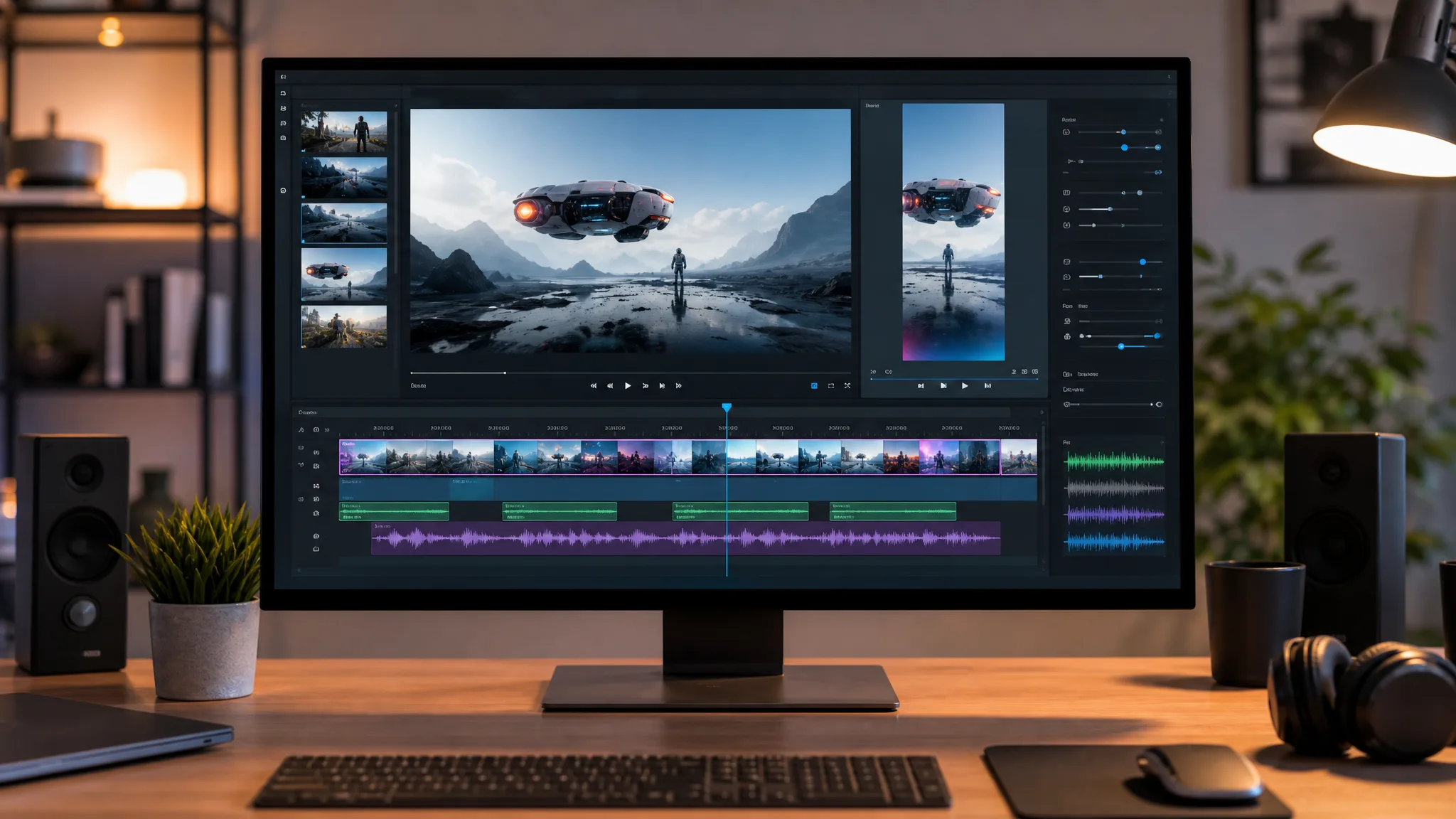
When the edit needs atmosphere too, tools for AI sound effects for video can fill a different gap. iMideo’s sound-effects page describes a simple flow: upload an MP4 or MOV clip, describe the audio you want, and add sound effects or ambient audio to short videos online.
This is useful because a lot of repurposed footage was not recorded with clean audio in mind. A product shot may have no usable sound. An event clip may have background noise. A screen recording may need small cues to make actions feel less flat. Sound design does not fix poor storytelling, but it can keep an otherwise good clip from feeling empty.
A Practical Review Workflow
The easiest way to use an AI video upscaler is to keep the process boring and repeatable.
Start with the best available source file. Avoid downloading a clip from a platform if you still have the original export. Each extra compression pass removes information the model could have used.
Next, decide where the video will appear before choosing an output size. A web hero, product detail page, vertical social clip, and sales presentation do not need the same treatment. Upscaling everything to the largest option can waste time and sometimes makes artifacts more visible.
Then review the result at the size where people will see it. Do not judge only from a tiny preview window. Check faces, hands, product edges, logos, UI text, straight lines, and fast movement. These are the places where AI cleanup can look unnatural.
Keep the original next to the upgraded version. This prevents a common mistake: accepting an output because it looks sharper, even though it changed something important. Sharpness is not the only test. Accuracy matters too.
Finally, export one clean master before making platform versions. Crop, caption, resize, and add audio after the main quality pass. That keeps the workflow easier to audit if someone asks what changed.
When Upscaling Is the Wrong Move
AI upscaling has limits, and those limits are worth respecting.
If the video is meant to document a legal, medical, safety, or compliance event, do not use enhancement in a way that changes the evidence. If the footage must show an exact product state, do not accept an output that invents detail. If the clip is too blurry to identify the subject, a reshoot may be faster than trying to repair it.
There is also a taste issue. Over-sharpened video can look worse than the original. Skin can become plastic. Edges can glow. Background texture can crawl. The goal is to make the video easier to watch, not to make every frame scream that it has been processed.
For brand work, the best upscaled footage is usually the footage nobody notices. It simply fits beside the newer assets without dragging the whole page down.
The Quiet Value Is Reuse
The real value of AI video upscaling is not that it creates new footage. It helps teams stop throwing away footage too early.
That matters for small teams because production is expensive. Shoots take planning. Demos take coordination. Customer clips are hard to replace. Archive footage may capture a moment that cannot happen again. If a tool can turn some of those files into usable assets, it changes the economics of content production.
It also changes how teams organize their libraries. Instead of treating old clips as leftovers, they can review them as raw material. Some will stay unusable. Some will become background shots. Some will become social posts. A few will become the missing piece in a campaign that would otherwise need another production cycle.
AI video upscalers are becoming essential because they solve a common, unglamorous problem: good footage often arrives in imperfect form. When the story is strong and the file is almost there, improving the quality can be the difference between deleting the clip and putting it back to work.