

AI video is becoming more practical for creators, marketers and small teams as the focus shifts from short experiments to longer clips with clearer direction.
For a while, AI video was mostly treated as a novelty. A creator could type a prompt, wait for a short clip and see whether the model produced something exciting. Sometimes it did. A product appeared in dramatic lighting. A character walked through a stylized city. A camera moved through a scene that would have been expensive to film.
Those early results helped people understand what generative video could do, but they also exposed a common problem. A few seconds of motion is not always enough for real content. Brands need a message. Creators need pacing. Ecommerce teams need the product to stay consistent. Agencies need drafts that can survive feedback.
The next stage of AI video is less about surprise and more about workflow. The question is not only whether a tool can create a clip, but whether it can help someone plan, revise and publish a video idea with less friction.
Short clips are useful, but they have limits
Short AI clips are still valuable. They are good for testing a visual style, building a moodboard, creating quick social concepts or exploring a scene before production. But when the goal is a product teaser, a brand story or a short explainer, the limits appear quickly.
A five-second clip can show a moment. It rarely gives enough room for a setup, a movement and a clean ending. If a creator needs a longer sequence, they may have to generate several clips and stitch them together. That creates new problems: different lighting, changing product shapes, inconsistent motion and more editing time.
This is why longer AI video is getting attention. A 30-second single clip can hold a fuller idea. It can introduce a subject, show an action and land on a final frame that feels planned instead of abrupt.
Why creators care about 30 seconds
Thirty seconds is a practical length for digital content. It works for TikTok, Instagram Reels, YouTube Shorts, product demos, short ads and campaign previews. It is long enough to tell a small story and short enough for mobile audiences.
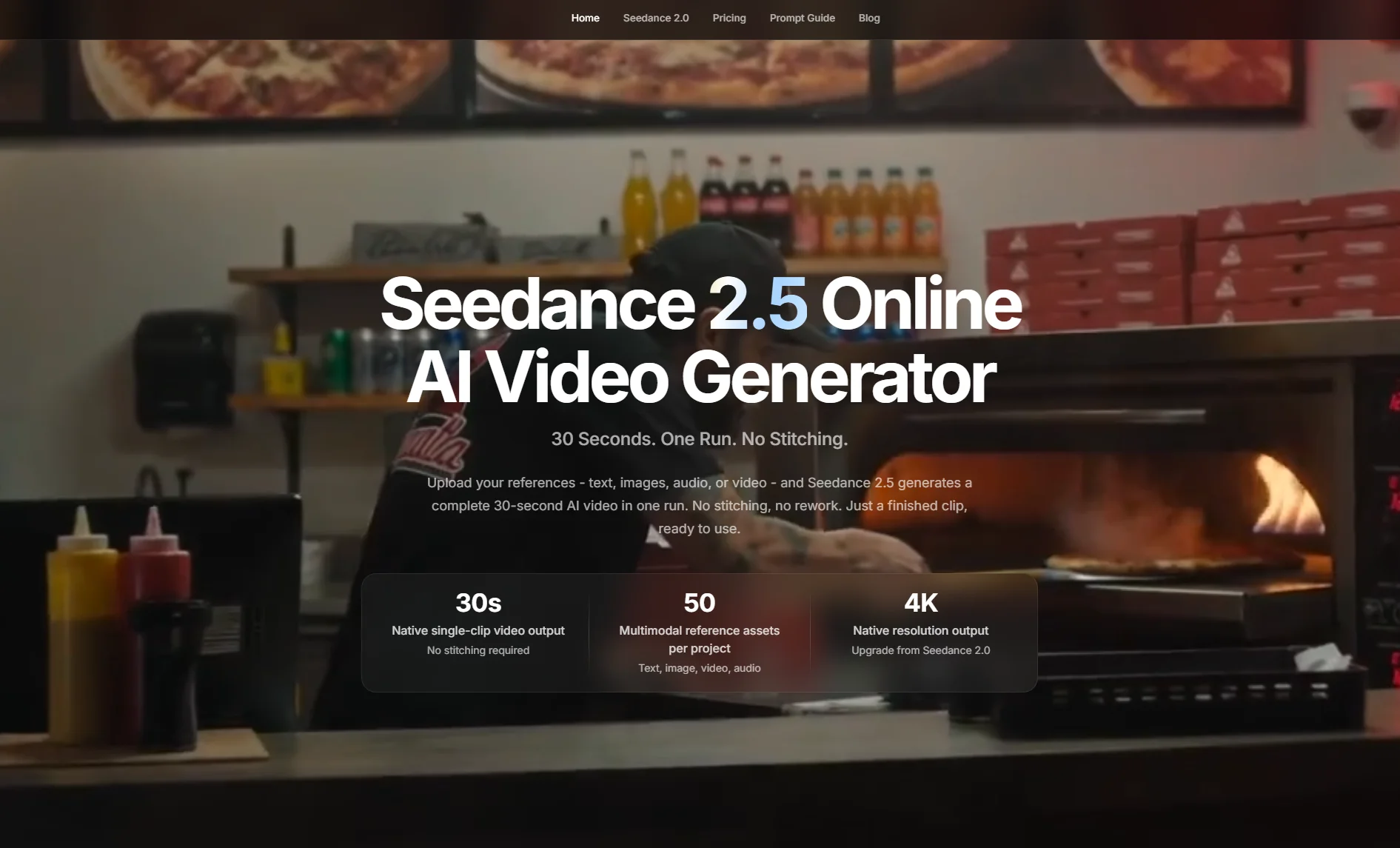
The platform Seedance 2.5 focuses on this need with native 30-second AI video generation in one run. The page also highlights 4K output, multimodal reference inputs and no-stitching workflows. For creators who often lose time combining several short generations, that direction is worth paying attention to.
The important point is not simply the number of seconds. Longer output changes how a creator writes the brief. Instead of asking for one striking image in motion, the creator can think about beats: the opening, the camera move, the subject action, the transition and the closing moment.
References make AI video easier to control
One of the biggest lessons from AI image and video generation is that prompts alone are often too vague. A phrase like “cinematic product ad” can mean many different things. The result may look good, but not match the product, brand or audience.
References reduce that guessing. A product image can protect the object’s shape. A style image can guide the lighting. A video clip can show camera movement. Audio can set pace or mood. When these assets are used together, the prompt becomes part of a broader creative brief.
That is why a multimodal AI video workflow matters. Seedance 2.5 is positioned around support for text, image, audio and video references, with up to 50 multimodal reference inputs. That kind of reference capacity is useful for content teams that already have brand materials, product photos, footage and sound cues.
More references do not automatically mean better results. The creator still needs to assign roles. One image may control product identity. Another may define the environment. A video may guide motion. A good workflow tells the model what each reference should do.
Better AI video starts with a better brief
Many weak AI video outputs come from weak briefs. A prompt might sound creative but fail to explain the video’s job. A stronger prompt usually includes the subject, action, camera movement, visual style, timing and intended use.
For example, a vague prompt might say: “Create a cool ad for a sneaker.”
A better version would be: “Create a 30-second product video for a white running sneaker. Open with the shoe on a dark studio floor, then use a slow tracking camera move as dust particles lift around it. Keep the logo visible, use cool blue lighting and finish with empty space on the right for ad copy.”
The second version gives the model more direction. It also makes the output easier to review. If the logo disappears, the creator knows what went wrong. If the ending has no space for text, the brief can be adjusted.
Small teams can use AI video for testing ideas
AI video is not only for large agencies. In many cases, the most practical users are small teams that need to move quickly. A founder can test a product story. A musician can visualize a short promotional concept. A coach can create a draft for an educational clip. A local brand can explore seasonal content without booking a full shoot for every idea.
The value is not always the final file. Sometimes the value is the draft. A video draft helps people discuss pacing, tone and direction before they spend money on production. It can also help teams decide which concept deserves more attention.
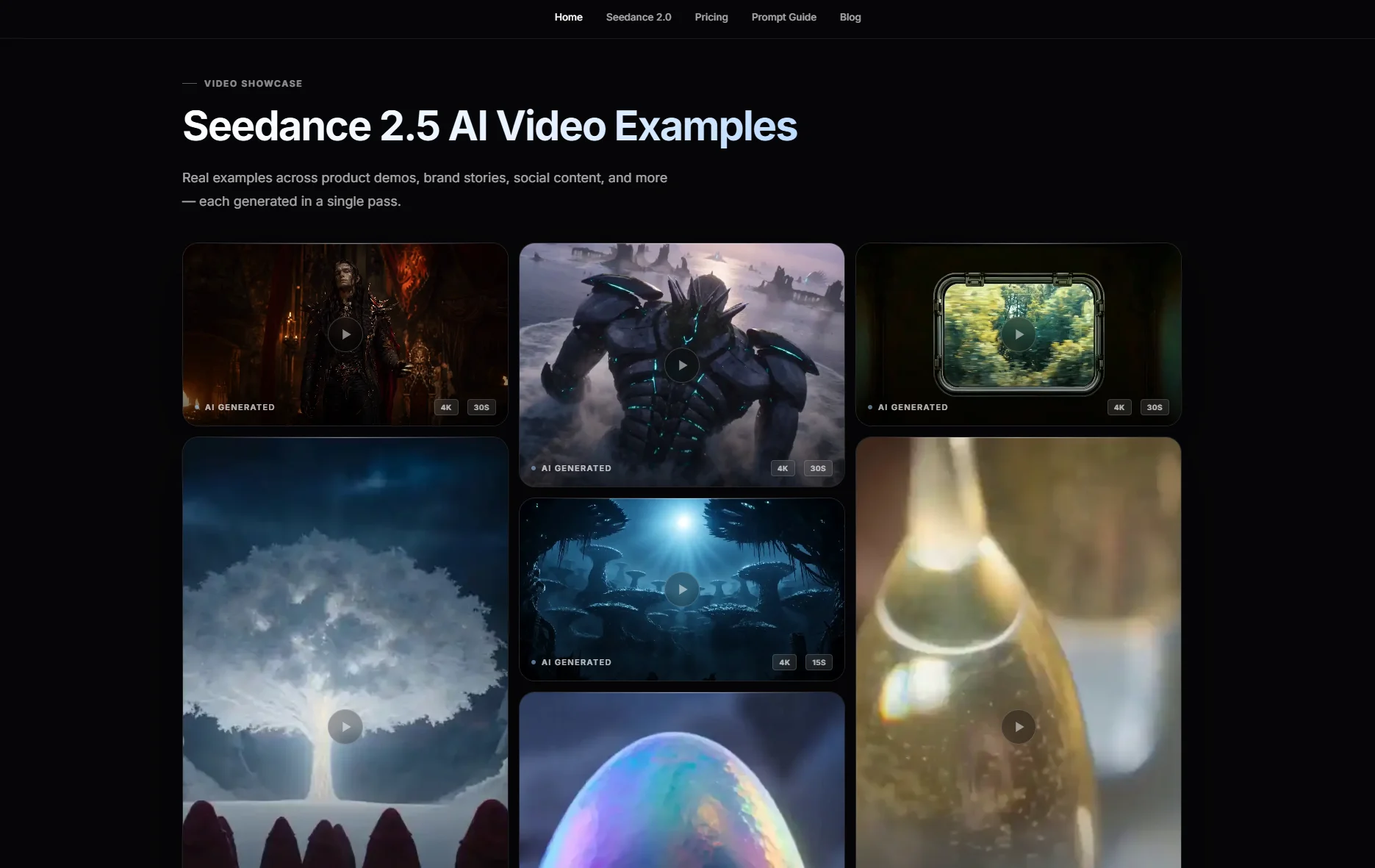
This is where browser-based AI video tools fit into a broader creative process. A practical generator interface can include settings such as prompt input, resolution, duration and aspect ratio, while positioning Seedance 2.5 around longer 4K video creation. That makes the workflow relevant for creators who want to test content ideas directly in the browser.
Revision is where the workflow becomes serious
The hardest part of generative video is not always the first draft. It is revision. A clip may be close to useful but have one bad detail: a product changes shape, the background feels wrong, the motion is awkward or the final frame does not work.
If every correction requires a full regeneration, the process becomes unpredictable. If a tool can support more targeted editing, creators can preserve the parts that work and fix the parts that do not.
The Seedance 2.5 workflow also emphasizes more controllable video editing and local area adjustments. For creators and brands, that matters because real content creation is built around feedback. A usable workflow must allow iteration without making the whole project start over.
What creators should watch next
AI video tools are improving quickly, but creators should still evaluate them with practical questions:
- Can the tool keep the subject consistent across the full clip?
- Can it follow references without mixing them in confusing ways?
- Does the output length fit the intended platform?
- Can details be corrected without rebuilding the entire video?
- Are the export options, pricing and usage rights clear enough for real work?
These questions help separate a fun demo from a useful production tool. The best AI video workflow is not the one that creates the flashiest sample once. It is the one that helps creators repeat a result, revise it and use it for a real audience.
The next creative advantage
AI video is moving from prompt experiments toward directed production. Creators who learn how to write better briefs, choose better references and review outputs carefully will get more value than those who simply ask for something impressive.
Tools such as Seedance 2.5 AI Video Generator point to where the space is heading: longer clips, higher resolution, reference-based control and more practical editing. For creators, brands and small teams, that could make AI video less of a one-time experiment and more of a repeatable content workflow.
The future will not be about replacing creative direction. It will be about giving more people a faster way to test and shape that direction before the final production begins.