

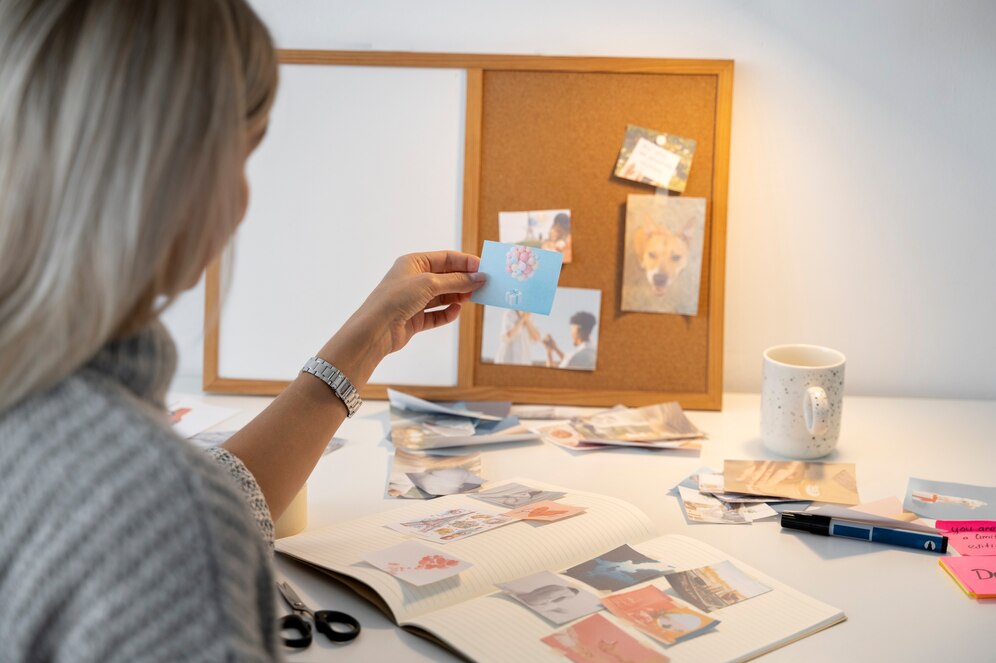
In the realm of interior design, visualization is everything. Whether you’re designing a cozy nook in your home or orchestrating a large-scale commercial project, having a clear and cohesive vision is crucial. Here’s how Foyr’s mood board builder comes in to give life to your concept expressed in words. A mood board is more than just a selection of pictures, It is a very effective instrument to seize the spirit of your project, to put together ideas, and to represent vision in the best way.
Foyr’s mood board creator simplifies and enhances this process, offering a seamless platform to blend creativity with functionality. If you’re looking to maximize your experience with Foyr and elevate your designs, here are five practical tips to help you make the most of this innovative tool.
1. Begin with a Clear Vision
Before proceeding to Foyr’s mood board generator it is important to clarify your project objectives. What are you designing—a modern living room, a chic café, or a serene office space? Getting a good vision is the starting point for a good mood board.
Steps to Define Your Vision: Steps to Define Your Vision:
- Identify Your Style: Research design styles that resonate with your project. Whether it’s minimalist, bohemian, industrial, or traditional, knowing your style narrows down your choices.
- Gather Inspiration: Browse platforms like Pinterest, Instagram, or design magazines. Note colors, patterns, textures, and layout, which are visually striking.
- Understand Your Audience: If you’re working for a client, discuss their preferences and requirements in detail.
Once your vision is well-defined, you’ll find it easier to translate your ideas into a cohesive mood board using Foyr’s intuitive interface.
2. Leverage Foyr’s Intuitive Drag-and-Drop Interface
Among the key functionalities of Foyr’s mood board builder is its intuitive drag-and-drop interface. This feature removes the complexity associated with standard design software and makes the software accessible even to beginners.
How to Use It Efficiently: How to Use It Efficiently:
- Organize Your Assets: Upload images, textures, and materials that are consistent with my vision. Also, you can access libraries of preloaded design materials provided by Foyr.
- Layer Your Elements: Experiment with layering to create depth and dimension. For example, place furniture images on top of color swatches to visualize how they complement each other.
- Adjust and Refine: By using the drag-and-drop function, you can quickly take alterations, guaranteeing that each element gets exactly the right position.
Using this functionality, you save time and can concentrate on developing your creative visions rather than having to wrestle with sophisticated tools.
3. Prioritize Color Coordination
Color is a critical aspect of any design project. It creates atmosphere, governs perception and links the whole design. Foyr’s mood board tool instills the tools to experiment with different colour palettes and allows you to study the relation amongst the colours used in your design.
Tips for Effective Color Coordination: Tips for Effective Color Coordination:
- Use a Color Palette Generator: Foyr enables the exploration of pre-defined palettes or the construction of your own by sampling colours from images uploaded by the user.
- Restrict your primary colors to only three for a balanced and unified appearance. All of the user interfaces are built on top of an identical UI framework made using one primary colour, one secondary colour and one accent colour.
- Test and Compare: Bring swatches juxtaposed against furniture and decor items together and see if they combine seamlessly.
For example, if you are creating a Scandinavian-themed bedroom you might select a set of subdued greys, ambient whites and muted blues. Foyr’s tools allow it to be very easily translated into how colours work in your space.
4. Incorporate Textures and Patterns
Although colors define the mood, it is textures and patterns that give life to a design, through uniqueness and intricacy. With Foyr’s mood board tool you can apply different textures and patterns to see what will best suit your project.
How to Play with Textures and Patterns:
- Mix and Match: Combine smooth textures like polished wood with rougher materials like woven rugs or stone.
- Scale Patterns Strategically: Use larger patterns for focal points, such as a feature wall, and smaller patterns for accents like cushions or rugs.
- Consider Realism: Because of Foyr’s realistic renders, understanding what colors and patterns will look like in the design for your final product is easy.
For instance, if you are designing a farmhouse kitchen, you can use distressed wood, brick facings, and plaid designs to create a warm, lived-in look and feel.
5. Share and Collaborate Seamlessly
Design is rarely a solo endeavor. Whether you’re working with clients, team members, or stakeholders, collaboration is key to refining your ideas. Foyr’s mood board builder allows for effortless sharing and getting of feedback.
Collaboration Tips: Collaboration Tips:
- Export Your Mood Board: In Foyr, it is possible to export images with high quality of your mood board for sharing via e-mail or any other media.
- Real-Time Collaboration: If your team is also using Foyr, you can collaborate in real-time, making updates and changes instantly.
- Solicit Feedback Early: Share your mood board in the initial stages of the project to ensure alignment and avoid costly changes later.
If one encourages collaboration, one can guarantee that the design is in keeping with the group’s perspective, thus saving systematic time and labour in the future.
Bonus Tip: Take Advantage of Foyr’s Additional Features
Foyr’s moodboard designer is but a part of the solution. The platform also provides 3D visualization and space plan tools which enable the user to move the design from the design stage to the execution stage. Integrating the features of this mood board leads to the development of a coherent design experience.
How to Use These Features Together:
Foyr’s 3D rendering capabilities, however, can be used to visualize your concepts in a virtual environment.
- Plan Your Layout: Have a go at furniture positioning and spatial arrangement to maintain functionality and good flow.
- Refine Your Design: Use insights from the 3D models to tweak your mood board and create a harmonious final design.
Conclusion
Foyr’s mood board creator is a game-changer for interior designers, architects, and enthusiasts alike. Its intuitive tools, vast library of assets, and seamless integration with other features make it a must-have for anyone looking to bring their vision to life.
Defining your vision, utilizing the drag-and-drop interface, focusing on color organization, using textures and patterns, and working together, you can produce impressive mood boards that will help you develop your design projects. No matter how experienced or a beginner you are, Foyr makes it simple for you to bring your creative visions to life.
So why wait? Get lost in Foyr’s mood board generator right now and begin to dream about spaces!