

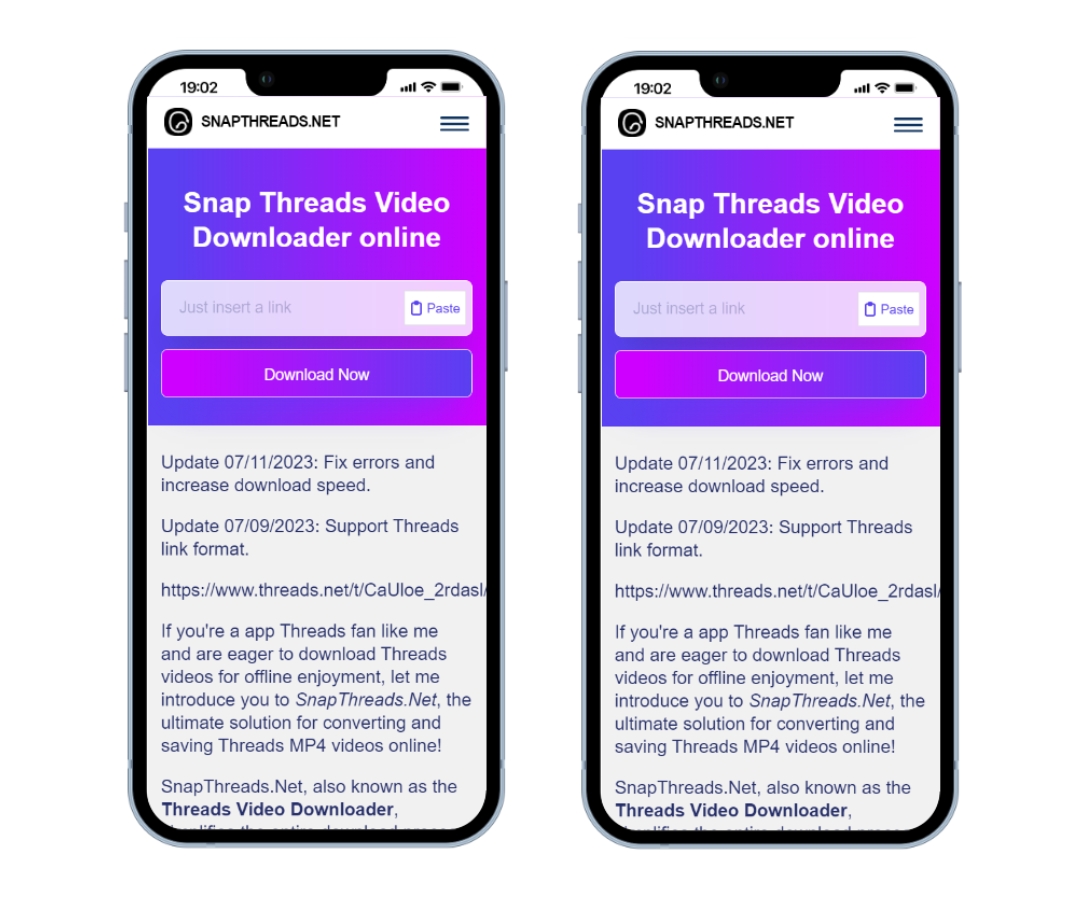
Are you looking to save engaging videos from Threads but don’t know how? Don’t worry, I’ll share the simplest and most effective solution with you. After testing various tools, I’ve found that SnapThreads.net truly stands out for its convenience and reliability.
Common Challenges When Downloading Videos from Threads
If you’ve tried downloading videos from Threads, you’ve likely encountered these issues:
- Threads doesn’t provide a direct download button, forcing users to seek alternative solutions
- Many online video downloaders are filled with annoying ads and often reduce the original video quality
- Concerns about personal data security when using websites of unknown origin
- Many people don’t know how to correctly copy video links from Threads
SnapThreads: A User-Friendly Online Threads Video Downloader
After much testing, I found SnapThreads.net – a tool that truly solves all the above problems:
- Completely free with no intrusive pop-up ads blocking your screen like many other sites
- Fast and stable processing speed, especially with the ability to maintain original video quality
- Safe for users as it doesn’t require installing any software, eliminating malware risks
- Simple interface that even beginners can use easily
Step-by-Step Guide to Downloading Threads Videos with SnapThreads
1. How to get a Threads video link
On Android:
- Open the Threads app and find the video you want to download
- Tap the three dots (⋮) in the right corner of the video
- Select “Share” or “Copy link”
- The link is copied to your clipboard
On iPhone:
- Open Threads and find your favorite video
- Tap the share icon (curved arrow)
- Select “Copy link”
- The link is saved to your clipboard
On desktop:
- Access Threads via web browser
- Find and open the video you want to download
- Right-click on the video and select “Copy link address” or click the share icon and select “Copy”
2. Steps to download Threads videos online using SnapThreads
- Visit SnapThreads Threads downloader in your browser
- You’ll see a large search box in the middle of the page with the text “Paste Threads link here”
- Paste the Threads video link you just copied into this box
- Click the blue “Download” button below
- Within seconds, the website will process and display the video with a download button
- If there are multiple quality options, choose the version that suits your needs (I usually choose the highest quality)
- Click “Download video .MP4” to save the video to your device
The entire process takes only about 20-30 seconds, extremely quick compared to other tools I’ve used.
Troubleshooting Common Errors When Downloading Threads Videos with SnapThreads
1. Video won’t download
Common causes:
- Incorrect or modified video link
- Video has been deleted by the poster or set to private
- Your internet connection is unstable
- SnapThreads.net is undergoing maintenance or updates (rarely happens)
Solutions:
- Check and recopy the link directly from the Threads app
- Try downloading another video to determine if the issue is with the tool or the specific video
- Check your network connection, try switching from Wi-Fi to mobile data or vice versa
- Wait about 15-30 minutes and try again if you suspect the website is under maintenance
2. Downloaded video has no sound or image
Causes:
- The original video on Threads may be defective from the uploader’s side
- Temporary processing error from SnapThreads.net
- Video file corrupted during download
Solutions:
- Review the original video on Threads to identify the issue
- Try downloading the video in a different quality (if options are available)
- Refresh the page and repeat the entire process
- Use another video player to open the downloaded file (VLC is a good choice)
3. Slow download speed
Causes:
- Weak or unstable internet connection
- SnapThreads servers are processing many requests simultaneously
- Video has a large file size (especially long videos with high quality)
Solutions:
- Check your network speed using sites like Speedtest.net
- Download videos at another time when traffic is lower
- Choose lower video quality if you only need to view it on your phone
- Close other applications using network bandwidth
Helpful Tips for Efficiently Downloading and Managing Threads Videos
From personal experience, these small tips help make storing and using Threads videos more effective:
- Create a dedicated folder for Threads videos: I have a “Threads Videos” folder with sub-folders by topic like “Tutorials,” “Humor,” “Food”… making it easier to find them later
- Name files meaningfully: Instead of keeping the default filename, change it to something like “content-description.mp4” for easy recognition
- Use a good video player: VLC or MX Player provide a better viewing experience, support many formats, and have playback speed adjustment features
- Update your browser regularly: This ensures SnapThreads.net works optimally, avoiding compatibility issues
- Check storage capacity: High-quality videos can take up a lot of space, so check and clean your device regularly
SnapThreads and Other Helpful Features
Besides its main Threads video downloading capability, SnapThreads.net offers some other useful features:
- Cross-platform support: In addition to Threads, this tool also supports downloading videos from Instagram, allowing you to use a single tool for multiple purposes
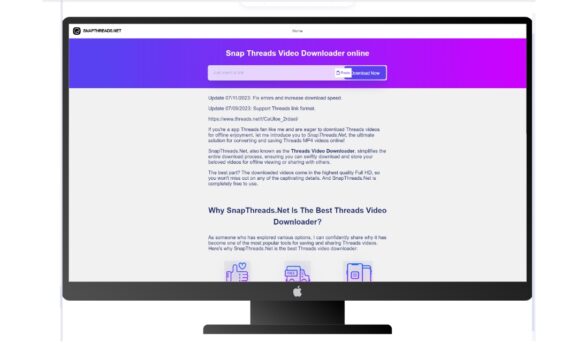
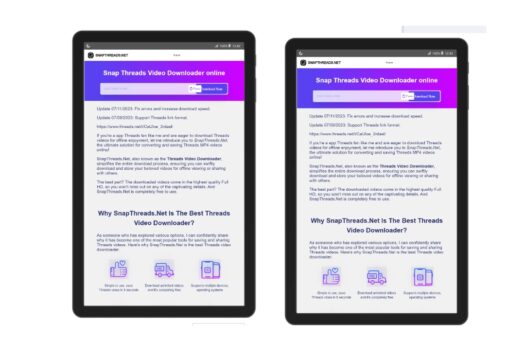
- Responsive interface: Works smoothly on both computers and mobile phones, no separate app needed
- Regular updates: SnapThreads is continuously improved to address changes from Threads, ensuring the tool always works
Frequently Asked Questions for SnapThreads!
Does SnapThreads support downloading 4K videos?
Based on my experience, SnapThreads doesn’t support downloading Threads videos in 4K resolution. The main reason is that the Threads platform itself doesn’t currently support uploading 4K videos – videos on Threads typically have a maximum resolution of 1080p (Full HD).
If a video has errors, is there a way to contact SnapThreads support?
From my experience, you can contact SnapThreads support team via email: [email protected]
Besides SnapThreads, what other reliable Threads video downloaders are there?
If SnapThreads doesn’t work well for you, here are some alternatives I’ve tried and found reliable:
- SSSThreads: A simple, fast tool that works on iOS, Android, and Windows. Completely free with no ads.
- SaveFrom: A popular multi-platform tool that supports not only Threads but many other social media sites. However, it has more ads than SnapThreads.
- Browser extensions: There are many extensions for Chrome and Firefox like “Threads Video Downloader” or “Social Media Downloader” that help download videos directly in the browser without visiting external websites.