

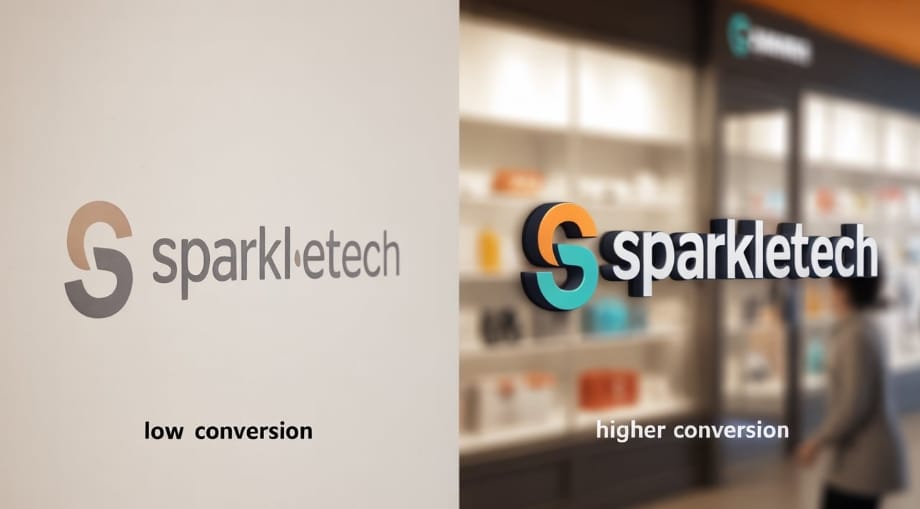
A logo is the first thing customers notice. A static logo can look plain. A 2D animated logo stands out. It catches the eye and keeps viewers engaged. Using 2D animation services makes this simple. You can give your Amazon store a professional edge.
Creating a 2D animated logo starts with your base design. You do not need complex effects. Simple motion or subtle transitions work best.
Logo animation can handle technical details like easing, timing, and exporting for Amazon. You save time and get a polished result. The process is fast, cost-effective, and scalable.
The goal is visibility and trust. Animated logos signal professionalism. They make your store feel active and modern. Customers remember motion better than static visuals. Using 2D animation services ensures smooth, branded animation. Your logo becomes a visual hook, not just a label.
Why Your Amazon Store Needs an Animated Logo
Branding impacts trust. Customers judge quality from visuals alone. A static logo blends in. An animated logo grabs attention. It signals that your store cares about experience.
Animation boosts engagement. A moving logo draws the eye during scrolls and page visits. It encourages clicks and exploration. Simple movement can increase dwell time and conversions. Experts in eCommerce report that stores with subtle motion see higher interaction rates.
Some brands have seen conversion lifts of 10–20% just by animating logos. Small effects like a fading tagline or sliding icon make big differences.
Using 2D animation services ensures these effects are clean and consistent. Animated logos are more than decoration. They are strategic tools that improve sales and recognition.
What is 2D Animated Logos
A 2D animated logo is a logo that moves in two-dimensional space. It can rotate, fade, slide, or transform. Types include frame-by-frame animation, motion graphics, and vector-based animation.
2D differs from 3D animation. 2D uses flat designs. 3D adds depth and perspective. For Amazon stores, 2D works best. It loads faster and remains clear on small thumbnails. 3D can be heavy and distract from the product.
2D animation works well for branding, product launches, and promotions. Logo animation services help convert static logos into motion.
They manage frame timing, vector integrity, and smooth transitions. This ensures your animated logo stays readable and appealing across devices.
Tools and Software to Create 2D Animated Logos
You can start simple or go professional. Beginners can use Canva or Crello for drag-and-drop animation. Pros prefer After Effects, Adobe Animate, or Blender for more control.
Look for timeline control, layer management, and export options. The software should let you preview in different resolutions. Some offer built-in templates and effects. This speeds up creation.
Cost varies. Canva has free options with limited effects. After Effects requires a subscription but offers full professional features. Most platforms have trial periods. Test multiple tools before committing. Choosing software depends on budget, skill, and desired polish.
Step-by-Step Guide to Creating a 2D Animated Logo
- Step 1: Design your base logo: Use simple shapes, readable fonts, and clear colors. Avoid cluttered designs.
- Step 2: Plan the animation sequence: Decide which elements move and how. Keep it short. 2–5 seconds is ideal.
- Step 3: Animate the elements: Use motion, transitions, or effects. Logo animation services can handle easing and timing for smooth movement.
- Step 4: Export in the right format for Amazon: Use MP4, GIF, or WebP depending on your store layout. Ensure compression preserves clarity.
- Step 5: Test visibility and performance: Check how the logo appears on desktop, tablet, and mobile. Confirm it loads fast and looks sharp at thumbnail size.
Best Practices for Animated Logos on Amazon
- Keep it short and simple. Long sequences confuse viewers.
- Ensure clarity at small sizes. Tiny thumbnails must remain readable.
- Optimize file size. Slow-loading logos harm user experience.
- Use consistent brand colors and style. Motion should feel natural, not forced.
Common Mistakes to Avoid
- Avoid overcomplicated animations. Too much motion distracts from products.
- Do not ignore resolution. Low-quality logos appear blurry.
- Avoid heavy files. Large videos slow down page loading.
How Professionals Can Help
Animation services deliver polished logos quickly. They match brand style and handle technical requirements.
Professionals can create motion that is subtle, memorable, and scalable. Many Amazon stores see higher engagement after hiring experts. Logo animation services ensure your logo looks perfect on every device.
Final Thoughts
2D animated logos improve visibility, engagement, and trust. They make your Amazon store look modern and professional.
DIY animation is possible with Canva or After Effects, but professionals deliver consistency and polish. Short, clear animation is better than flashy effects. Use 2D animation services to save time and get results that convert.