

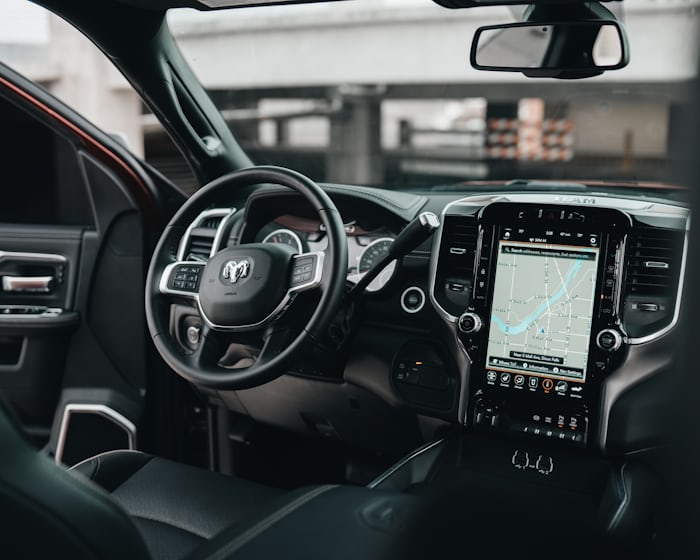
Gone are the days when owning a car was only for the rich. Today, having a well-functioning vehicle has now become a necessity. To get the most out of your car, installing a wireless CarPlay screen may be crucial. This wireless system will allow you to have full control over certain functions, such as:
- Messaging
- Navigation
- Entertainment
But like other systems, it’s worth noting that wireless CarPlay screens also have their issues. They may start misbehaving, needing you to replace them. In the rest of this post, you’ll discover a few signs to know you need to replace your wireless Apple CarPlay screen.
- Screen freezing
One of the many issues car owners often experience with their BMW wireless CarPlay screens is “consistent freezing”. If you currently experience this issue, we suggest you consider troubleshooting the system.
- The issue may cause your touchpad cursor to freeze. In this case, simply unplugging and replugging your device can resolve this problem. Alternatively, restarting the wireless CarPlay screen (using the 3-finger approach) may work.
- A new system update may also contribute to why your CarPlay screen currently freezes. One way to address this issue is by switching to another source and then back to the existing one.
The bottom line is screen freezing is not uncommon for many wireless CarPlay screens today. If yours becomes consistent and unbearable, all you need is to try different troubleshooting steps. If freezing persists after trying different troubleshooting steps, you may need to replace your BMW wireless CarPlay screen. You can try this 7” Wireless CarPlay & Android Auto Touch Screen.
- Poor display quality
Poor display quality is another common problem with wireless CarPlay screens. This issue can come up due to different factors, including:
- Software incompatibility
- Hardware problem
- Physical damage to the screen
- Connection issues
- Battery problem
- Screen resolution
If you currently experience this issue, we recommend that you first consider troubleshooting the system. Yes, you can try updating the software. If the software is up to date, ensure to use the right settings. Also, check the connection and ensure it’s reliable. If after performing these troubleshooting steps, the screen still displays poorly, you may need to replace the existing system with a new BMW wireless CarPlay screen. However, before you go ahead to buy this CarPlay screen, be sure to speak with a repair expert for proper examination of the system.
- Intermittent connectivity
Troubleshooting is the most recommended solution for wireless CarPlay screen’s intermittent connectivity. That’s so because many factors, including the following, may contribute to why you keep experiencing these CarPlay issues:
- Interference from other Bluetooth devices can cause intermittent connectivity.
- Congestion of your WiFi network may also cause intermittent connectivity issues.
- Other common causes include weak signal strength, battery saver, physical obstruction, outdated software, and glitches.
The following troubleshooting steps can help address this issue:
- Restart your iPhone
- Update your BMW’s software
- Reset network settings
- Try as much as possible to lower interference from other devices.
If after trying these steps, the problem persists, you may need to speak with the screen’s manufacturer. A replacement solution may be recommended if all other options fail.
- Others
Other common signs to know you may need to replace your wireless CarPlay screen include:
- Touchscreen responsiveness issues
- Overheating
- Update problems
- Physical damage
Visit CARabc today to find a suitable wireless CarPlay screen replacement for your BMW.