

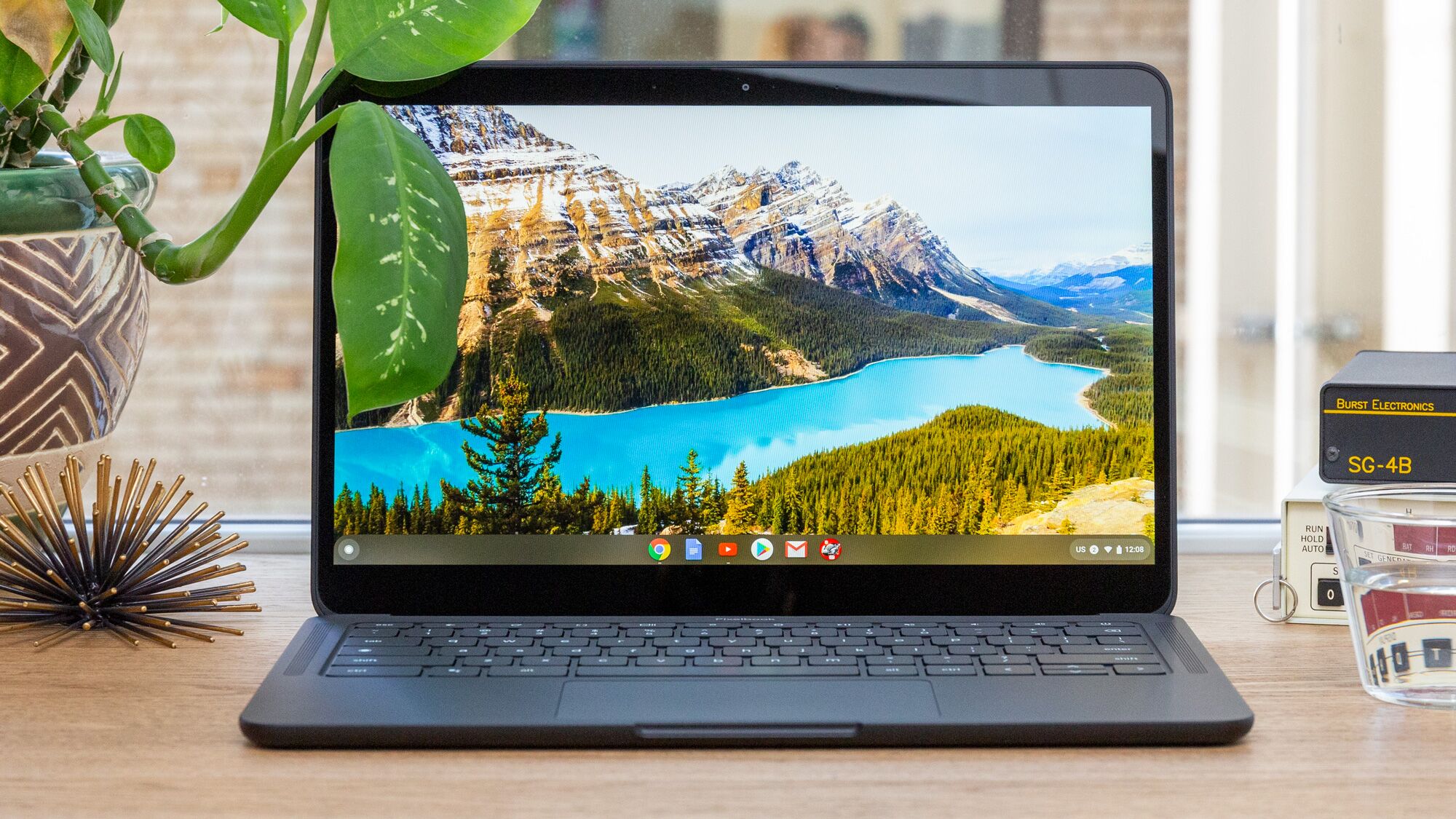
So you are looking to buy a cheap laptop, and Chromebook has caught your eye! Well, do check out the top laptops in the market!
Here are some pros and cons to consider when deciding whether a Chromebook is the right choice for you:
Pros of Buying a Chromebook
Affordable Pricing:
Chromebooks are generally more budget-friendly compared to traditional laptops. They offer a cost-effective option for students, casual users, and basic computing needs. You can find Chromebooks for $200, while traditional laptops typically start at $500.
Here are some of the reasons why Chromebooks are more affordable than traditional laptops:
- They use a cloud-based, less resource-intensive system than traditional operating systems.
- They have fewer components, which lowers the cost of manufacturing.
- They are often sold by online retailers, which allows them to be priced more competitively.
Fast Boot Times and Performance:
Chromebooks typically have fast boot times and offer quick performance due to their lightweight operating system, Chrome OS, which is less resource-intensive than traditional operating systems. They are designed to work efficiently for web-based tasks and everyday productivity. Chromebooks typically boot up in seconds, much faster than traditional laptops, which can take minutes.
Here are some of the reasons why Chromebooks have fast boot times and offer quick performance:
- They use a cloud-based, less resource-intensive system than traditional operating systems.
- They have less hardware than traditional laptops, which means there is less for the operating system to manage.
- They are often optimized for web-based tasks that are less demanding than traditional applications.
Simplified and User-Friendly Interface:
Chrome OS provides a straightforward and intuitive user interface, making it easy to navigate and use, especially for individuals new to computers or who prefer a streamlined experience.
Seamless Integration with Google Services:
Chromebooks are optimized for Google’s suite of applications and services, such as Google Docs, Sheets, and Drive. These cloud-based tools offer collaborative features and convenient storage options.
Automatic Updates and Security:
Chromebooks receive automatic updates from Google, ensuring you have the latest security patches and features without installing updates manually. Chrome OS also includes built-in security features that protect against malware and viruses.
Cons of Buying a Chromebook:
Limited Offline Functionality:
Chromebooks heavily rely on an internet connection for most tasks. While offline capabilities have improved over the years, many applications and features require full internet access.
Chromebooks are designed to be used primarily online, and they have limited functionality when they are offline. This online usage means you can only use some of the apps and features you rely on when connected to the internet.
Some of the things that you won’t be able to do offline on a Chromebook include:
- Accessing Gmail or other web-based email accounts
- Using Google Docs, Sheets, or Slides
- Browsing the web
- Checking social media
- Playing games
If you need to use your Chromebook offline, there are a few things you can do. First, you can download files or apps you need to use offline. Second, you can use the “Guest mode” feature to access a limited set of features offline. Third, you can store files and apps offline using a USB drive or SD card.
Limited Software Compatibility:
Chromebooks primarily support web-based applications and extensions from the Chrome Web Store. This limitation means specific software programs or specialized applications that are not web-based may not be compatible with Chrome OS.
Hardware Limitations:
Chromebooks are generally designed with basic hardware configurations, emphasizing portability and affordability. This limitation makes them less suitable for resource-intensive tasks like video editing or high-end gaming.
Some of the hardware limitations of Chromebooks include the following:
Limited storage space: Chromebooks typically have less storage space than traditional laptops. This storage limitation can make storing large files, such as videos or music, easier.
Less processing power: Chromebooks typically have less processing power than traditional laptops. This limited processing power can make running demanding applications, such as games or video editing software, challenging.
Less RAM: Chromebooks typically have less RAM than traditional laptops. This limited RAM can make it difficult to run multiple applications simultaneously.
If you consider buying a Chromebook, you must know these hardware limitations. If you need a laptop with much storage space, processing power, or RAM, consider a traditional laptop instead.
Here are some of the ways to overcome the hardware limitations of Chromebooks:
Use cloud storage: Cloud storage services like Google Drive and Dropbox allow you to store files online. Cloud storage can free up space on your Chromebook’s hard drive.
Use web-based applications: Many applications are available as web-based versions. These versions can be run on Chromebooks without the need for additional software.
Use a USB drive or SD card: USB drives and SD cards can store and transfer files between devices. This usage can be a useful way to add extra storage space to your Chromebook.
Dependency on Google Ecosystem:
Chromebooks work best when integrated with Google’s ecosystem of services and applications. A Chromebook may not be ideal if you prefer using other software ecosystems or have specific software requirements outside of Google’s offerings.
Conclusion
If you use web-based applications and prioritize affordability and ease of use, a Chromebook can be a suitable option. If you require powerful software applications, offline functionality, or greater flexibility in software compatibility, consider a traditional laptop running a different operating system.