

By a streaming technology writer covering app adoption patterns in the Dutch and Belgian consumer market.
There is a question that keeps coming up in Dutch tech forums, WhatsApp groups, and family group chats.
Not ‘what is IPTV’ — people know what IPTV is by now. The question is which app. And in the Netherlands specifically, one name comes up more than others among Smart TV users: IBO Player.
This is not because IBO Player has the most features. TiviMate has more features. It is not because IBO Player is the cheapest — most IPTV apps are free or close to it. The reason Dutch Smart TV users keep landing on IBO Player is more specific than that, and it is worth understanding if you are trying to decide what to install before you start a subscription.
What IBO Player Actually Is
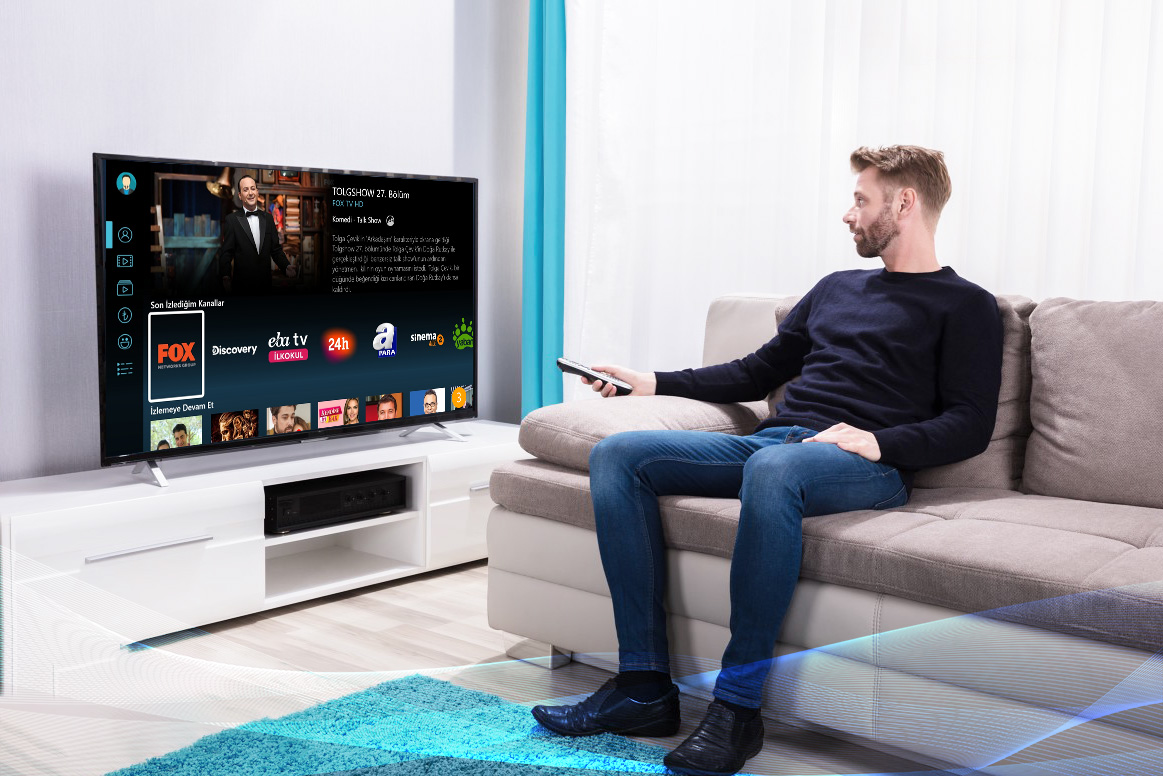
IBO Player is an IPTV player app — meaning it is the software interface through which you access your IPTV subscription. The app does not provide channels itself. You bring your subscription credentials; IBO Player turns them into a working television interface on your screen.
It supports both M3U playlist and Xtream Codes authentication. It renders your channel list in a tile-based interface optimised for remote control navigation. The EPG pulls Dutch programme schedule data and displays it in a horizontal guide that looks, roughly, like a conventional cable guide.
That is the technical description. Here is what actually matters for Dutch users: IBO Player is available natively in the Samsung app store, the LG Content Store, and the Google Play Store, without any sideloading. You press a few buttons on your remote, it installs, you enter your credentials from a service like IPTV Nederland, and it works. That is the whole story.
The Samsung Problem
Dutch households have a Samsung problem.
Samsung is the dominant Smart TV brand in the Netherlands. Walk into any MediaMarkt or Coolblue and count the shelf space. For years, Samsung Tizen OS was the most aggravating platform for IPTV because the app ecosystem was limited. TiviMate does not work on Tizen. IPTV Smarters Pro requires manual installation workarounds on many Samsung models.
IBO Player installs cleanly from the Samsung Smart Hub. No sideloading. No APK files. No pairing a smartphone to push an install. The Dutch tech community at Tweakers has documented this specifically in IPTV setup threads — IBO Player consistently receives the highest marks for Samsung Tizen compatibility among apps that install without workarounds.
LG users have it slightly easier — the WebOS ecosystem is more permissive — but IBO Player is available there too, and for LG owners who do not want to think about which app works on which platform, it solves the question cleanly.
What IBO Player Does Well and What It Does Not
It is worth being direct here rather than pretending this is the best IPTV app in every situation. It is not.
IBO Player’s EPG is functional but not TiviMate’s multi-day horizontal grid. If you watch a lot of sport and like planning viewing around upcoming fixtures, TiviMate on an Android TV box is a better experience. IBO Player’s recording and catch-up features are more limited. The interface customisation options are minimal compared to power-user apps.
What IBO Player does exceptionally well: remote-first navigation, fast channel switching, stable 4K HEVC decoding on Samsung and LG hardware, and a clean interface that works identically whether you are in the living room or a hotel room on a Samsung TV you have never seen before. It handles M3U and Xtream Codes without problems. It loads the Dutch EPG reliably for NPO, RTL, and SBS channels. It does not crash. These are not glamorous features but they are the features that matter at 20:00 on a Saturday during a live Eredivisie match.
For Android-specific recommendations and setup details, the dedicated comparison at beste IPTV app voor Android covers IBO Player alongside TiviMate and IPTV Smarters Pro with device-specific recommendations.
The Subscription Side
IBO Player is just the player. The subscription is what provides the actual Dutch channels.
A legitimate Dutch IPTV subscription covers NPO 1, NPO 2, NPO 3 and all regional omroepen; RTL 4, RTL 5, RTL 7, RTL 8; SBS6, Veronica, Net5; ESPN 1-4 for Eredivisie and European football; Ziggo Sport Totaal for Champions League, Formula 1, La Liga. The same subscription costs 15 to 25 euros per month. Ziggo charges 17.95 euros per month for ESPN Compleet alone, on top of its base package.
The Consumentenbond publishes guidance on what legitimate digital subscription services look like in the Netherlands. Before entering payment details anywhere, it is worth knowing what a legitimate provider looks like versus one that will stop responding after the first month.
What About Belgium
IBO Player works in Belgium on the same principles. The app is platform-agnostic — it does not care whether your Samsung TV is in Rotterdam or Antwerp. The subscription side is different: Belgian households need Flemish channels (VTM, Play4, Een, Canvas, Ketnet), Play Sports for Jupiler Pro League matches, and often French-language channels for Brussels-based viewers.
There is a dedicated IPTV Belgie subscription configured specifically for the Belgian channel landscape. IBO Player on a Belgian Samsung TV connects to it in exactly the same way as a Dutch subscription — same app, different credentials, different channel list.
Frequently Asked Questions
Is IBO Player free to install?
Yes. IBO Player is free in the Samsung App Store, LG Content Store, and Google Play. There is no purchase required to install the app. You need an IPTV subscription to provide the content — the app itself costs nothing.
Does IBO Player work on older Samsung Smart TVs?
IBO Player supports Samsung Tizen from version 3.0 onward, which covers most Samsung Smart TVs from 2016 or later. Very old Samsung models (pre-2016) may not support the current version. Check the Samsung Smart Hub app page for compatibility information before installation.
Can I use the same IBO Player account on multiple TVs?
IBO Player itself is a free app that runs on any compatible device without account restrictions. Multi-device viewing depends on your IPTV subscription — most providers allow two simultaneous streams on standard plans. Check your subscription terms rather than the app.
Why does IBO Player show an empty EPG for some Dutch channels?
An empty EPG usually means your provider’s XMLTV EPG source does not include that channel, or the channel’s tvg-id in the M3U playlist does not match the EPG database entry. Contact your provider and report the specific channels with missing EPG. This is a provider configuration issue, not an IBO Player limitation.
Is it legal to use IBO Player in the Netherlands?
IBO Player is a player app — it has no legal status in itself. Legality depends entirely on the IPTV subscription you connect to it. A provider with transparent company registration, AVG-compliant privacy documentation, and realistic pricing is operating legitimately. The app is neutral hardware.
What internet speed do I need for IBO Player to work properly?
10 Mbps for HD channels. 25 Mbps for 4K. Use an ethernet cable to your Smart TV rather than WiFi — this resolves the majority of buffering complaints even on connections that test above 50 Mbps on WiFi.
This article is for informational purposes. App features and availability may change. Verify current compatibility on the Samsung and LG app stores before installation.