

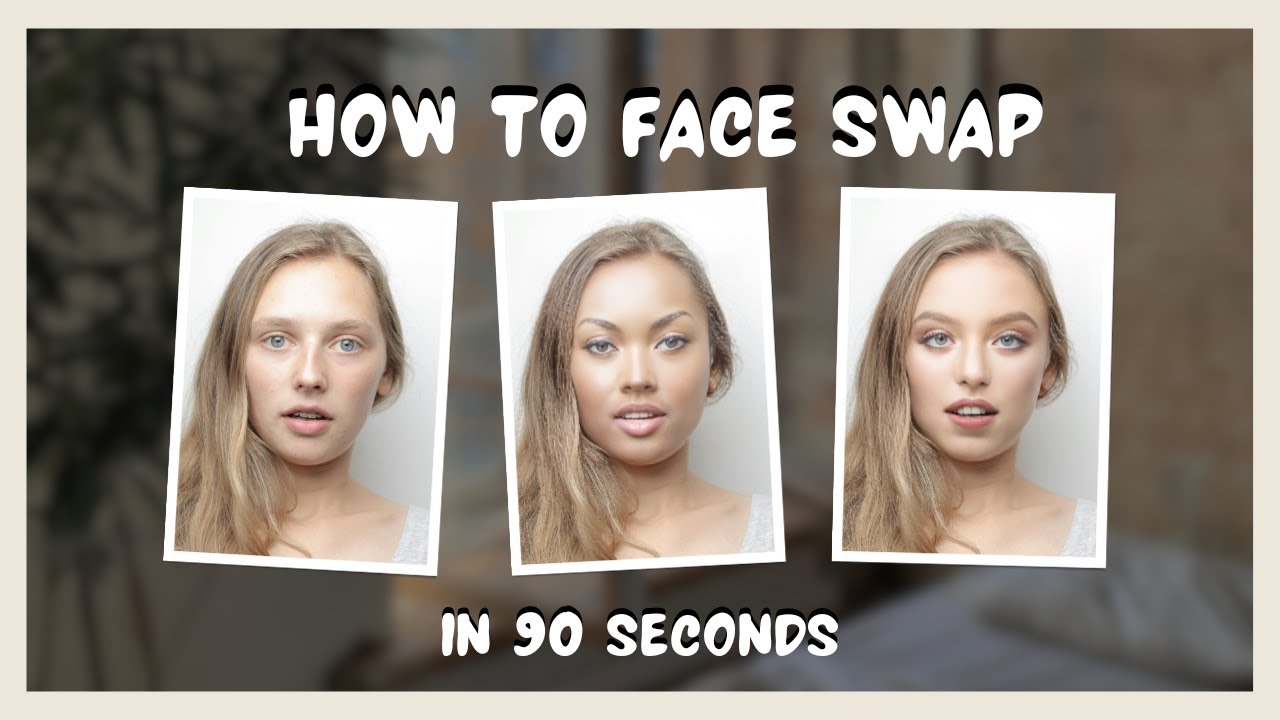
Video face swap technology is becoming more popular every day. From fun social media clips to serious video editing projects, it is a creative tool that anyone can use. But how do you master it easily and safely? One helpful method is to use tools powered by AI face swap technology, which makes the face swapping process smoother and more realistic. This helps beginners get better results with less effort.
How to Choose the Right Video Face Swap Tool
Ease of Use: The best tools are simple to use, even if you have no experience in video editing. Many modern video face swap tools use AI face swap features to automate the process and reduce manual work, making it easier for new users.
Quality: Look for tools that give clear, realistic face swaps. Some free tools can look fake or blurry. Advanced AI technology often improves the quality by better matching facial features and expressions, resulting in smoother and more natural-looking videos.
Safety: Always check if the app or software is secure. Avoid tools that ask for too much personal information or have bad reviews. Choosing tools with strong privacy policies keeps your data safe.

Step-by-Step Guide to Video Face Swap
Step 1: Select Your Video and Faces
Choose the video you want to work with. It’s best to pick a clip where faces are clear and well-lit. Also, choose the faces you want to swap. Using high-quality photos or videos of the faces will give better results.
Step 2: Upload to Your Tool
Open your chosen app or software. Upload the video and the faces you want to swap. Most tools will guide you through this process with clear buttons and instructions.
Step 3: Let the Software Do Its Work
The software will detect the faces and swap them automatically. This can take a few seconds to a few minutes depending on the tool and video length. AI-powered face swap tools produce faster and more realistic results compared to older methods.
Step 4: Review and Edit
Once the swap is done, watch the video. Some tools allow you to adjust the swap, fix errors, or improve quality. Take your time to make it look as natural as possible.
Step 5: Save and Share
When you are happy with the result, save your video. You can then share it on social media, with friends, or keep it for yourself.
Tips for Getting the Best Video Face Swap Results
Use videos with good lighting. Dark or blurry videos are hard for software to process.
Pick faces with clear features. If the face is covered or turned away, swaps won’t look real.
Choose videos with steady camera work. Shaky footage makes swapping harder.
Try to match the facial expressions and head angles of the faces you want to swap.
Experiment with different tools if one doesn’t give good results. Remember, free tools can vary in quality.
Common Uses of Video Face Swap
Social Media Content: Making funny or creative videos to share with friends.
Entertainment: Swapping faces with celebrities or characters in movies for more believable videos.
Marketing: Brands use face swap videos to catch attention in ads.
Education: Teachers can use face swap to create engaging videos for students.
Art: Artists experiment with face swaps for digital art projects.
Final Thoughts on How to Master Video Face Swap Easily and Safely
Video face swap is an exciting technology anyone can learn. By choosing the right tools, following simple steps, and keeping safety in mind, you can master this easily. Using ai image to video technology can make the process faster and the results more realistic, helping beginners and pros alike enjoy creating amazing videos safely.