

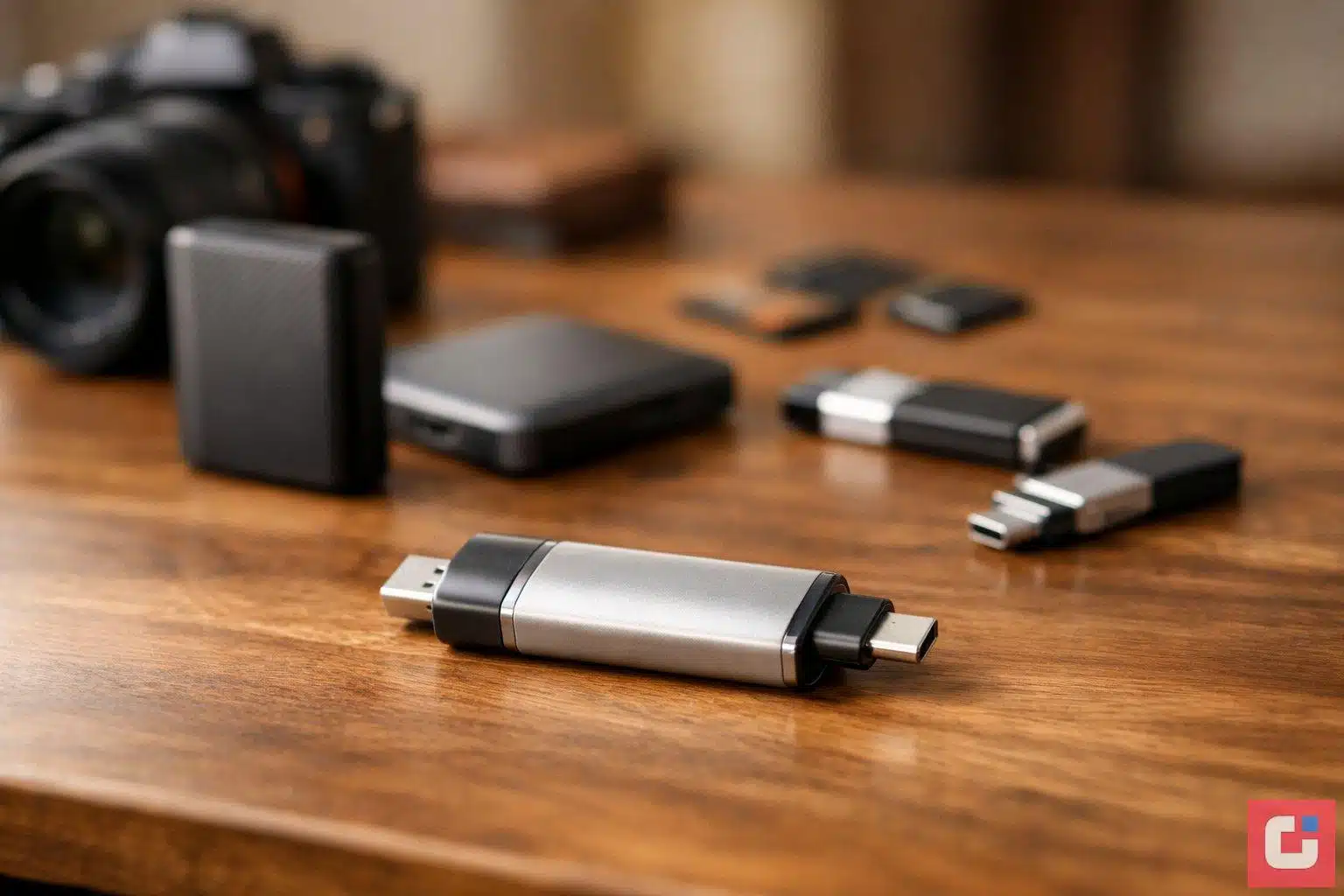
Digital photographs have an unusual fragility. They exist as files on a phone that can be stolen, a cloud account that can be locked, or a hard drive that can fail without warning. The people who have lost years of family photos to a single unexpected device failure know this feeling all too well. Choosing the right photo backup devices gives you a tangible, offline copy of your memories that you own, control, and can access without an internet connection or a subscription.
Why Physical Backup Still Matters in 2026
Cloud storage has become the default for most people, and for good reason. Services like Google Photos, iCloud, and Amazon Photos are convenient, automatically synced, and accessible from anywhere. But relying solely on cloud services introduces risks that are easy to overlook until it is too late: account hacks, forgotten passwords, subscription lapses, or providers changing or discontinuing services without sufficient warning.
A physical backup device sitting at home is immune to those risks. It charges no monthly fee, requires no internet connection, and gives you complete control over who can access your files. Combining cloud storage with at least one physical backup is the most resilient approach available.
Types of Photo Storage Devices
| Device Type | Best For | Capacity Range | Ease of Use |
|---|---|---|---|
| Photo Backup Stick (e.g. PhotoStick Omni) | Phone-first users wanting one-click backup | 32GB – 1TB | Very Easy |
| Portable SSD | Fast transfers, travel, durability | 500GB – 4TB | Moderate |
| Portable HDD | Large libraries, home archive | 1TB – 5TB | Moderate |
| USB Flash Drive | Basic computer-to-computer transfer | 32GB – 256GB | Easy |
| iPhone-Specific Flash Drive | iOS users needing Lightning backup | 64GB – 256GB | Easy |
Our Top Picks for 2026
After hands-on testing across a range of photo backup devices, the following products represent the best options for most users this year:
- The PhotoStick Omni: The standout choice for users who want one device that works across phones, tablets, and computers. It automatically scans for photos and videos, skips duplicates, and backs up in a single click. Available in capacities from 32GB to 1TB, with no subscription required.
- Portable SSD (USB-C): Ideal if you need fast transfers and want something durable enough for travel. Not as simple as a photo stick but significantly faster for large RAW file libraries or 4K video archives.
- Portable HDD (2TB): The best value choice for building a home archive. Slower than an SSD but a 2TB model comfortably stores years of family photos at a cost that portable SSDs cannot match.
- iPhone-Compatible Flash Drive: A practical option for iPhone users wanting a dedicated mobile backup tool without needing to manage a laptop or desktop.
Key Buying Considerations
- Capacity: Think about your current library size and allow room for growth. Most users are well served by 128GB or more.
- Compatibility: Check that any device you buy works with your specific phone, operating system, and any computers you use for organisation.
- Transfer speed: If you have thousands of high-resolution images or videos, transfer speed matters more than it does for a small casual library.
- Portability vs durability: SSDs are more resistant to drops and movement than HDDs, making them better for use on the move.
- One-time cost vs ongoing fees: Physical devices are a single purchase with no recurring charges, unlike most cloud services.
The Bottom Line
The best photo storage device is the one you will actually use. For most people, a phone-first backup stick like the PhotoStick Omni offers the right balance of simplicity, compatibility, and value. For larger or more technical collections, pairing an SSD with your existing cloud service gives you the strongest possible protection. Whatever you choose, the important thing is not to wait until disaster strikes before thinking about it.